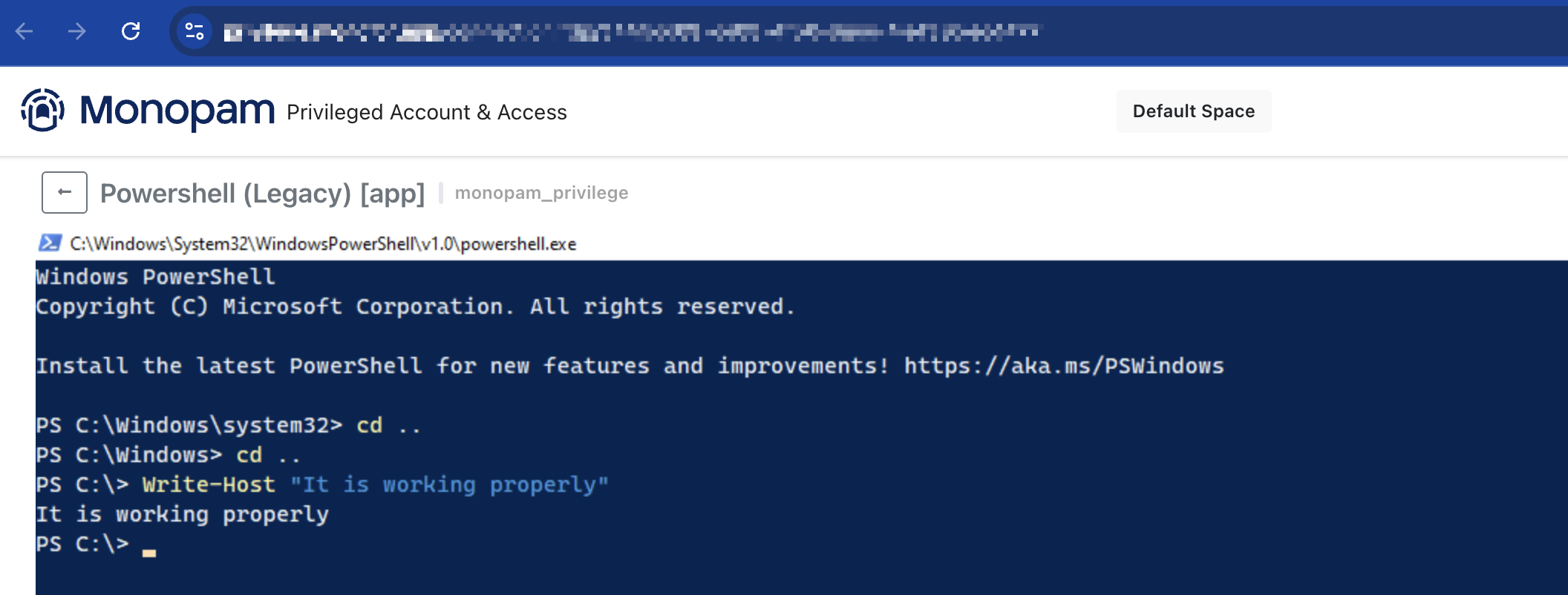
Because of the version of a module in legacy Powershell, window won’t properly handle keypresses over RDP Remote App.
Please follow the steps to fix this error.
1. Check Powershell Module Version of PSReadLine
PowerShell
PS C:\Windows\system32> Get-Module PSReadLine

ModuleType Version    Name                                ExportedCommands
---------- -------    ----                                ----------------
Script     2.0.0      PSReadline                          {Get-PSReadLineKeyHandler, Get-PSReadLineOption, Remove-PS...
This version is bugged version and won’t work properly.
2. Install new version of Powershell Module Version of PSReadLine
PowerShell
PS C:\Windows\system32> Install-Module PSReadLine -Force
This is gonna install new version of module.
3. Test new version of PSReadLine
PowerShell
 PS C:\Windows\system32> Get-Module PSReadLine

ModuleType Version    Name                                ExportedCommands
---------- -------    ----                                ----------------
Script     2.3.6      PSReadline                          {Get-PSReadLineKeyHandler, Get-PSReadLineOption, Remove-PS...
This will fix the issue right away.