
The Add New Access Restriction page is the page that allows you to add a new access restriction to objects.
Add a new access restriction page,
|
|
|---|
|
Object Type |
|
object |
|
Access Types |
|
Access Restriction Type |
|
Start Date |
|
End Date |
|
Cron |
consists of parts.
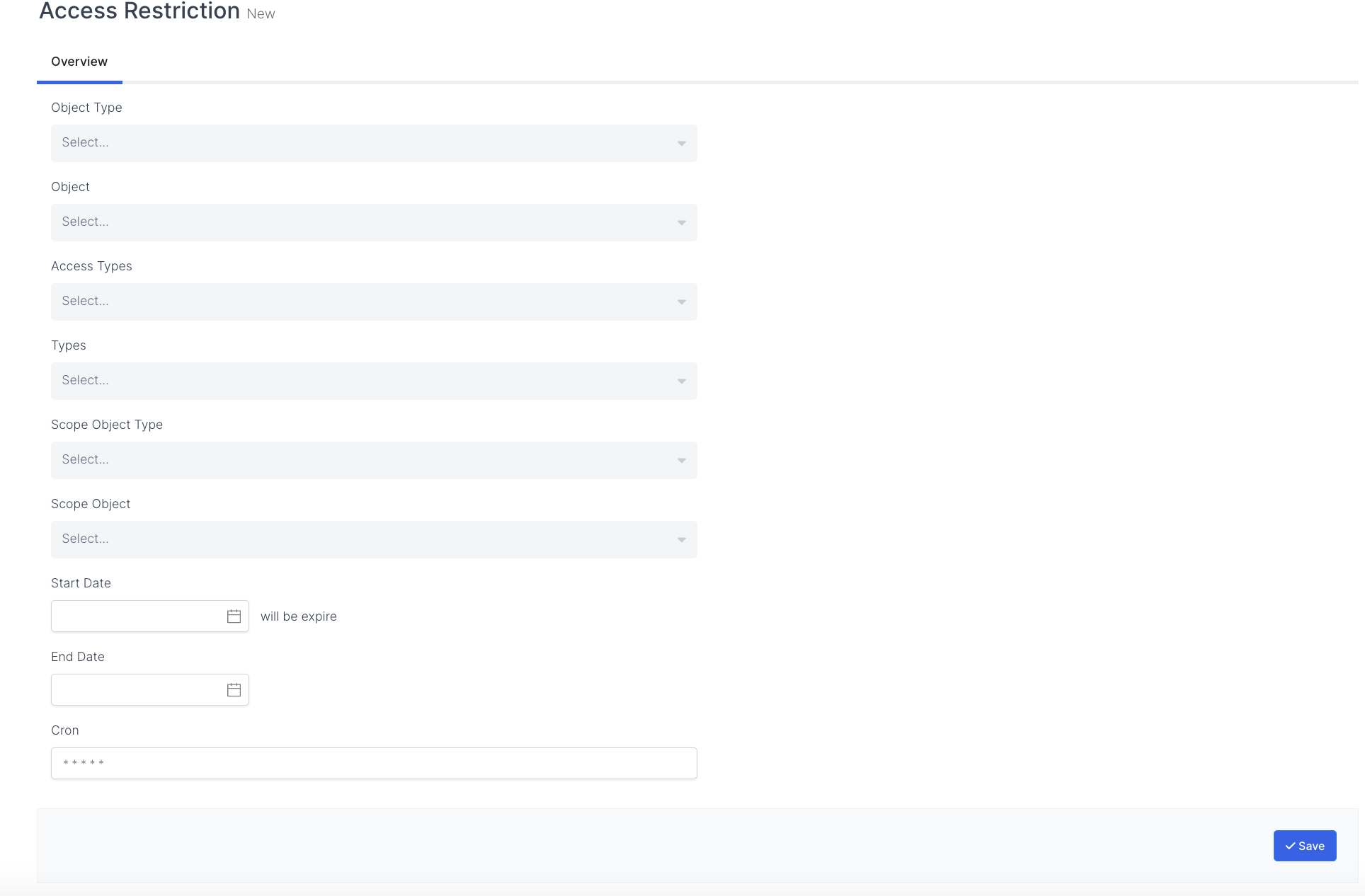
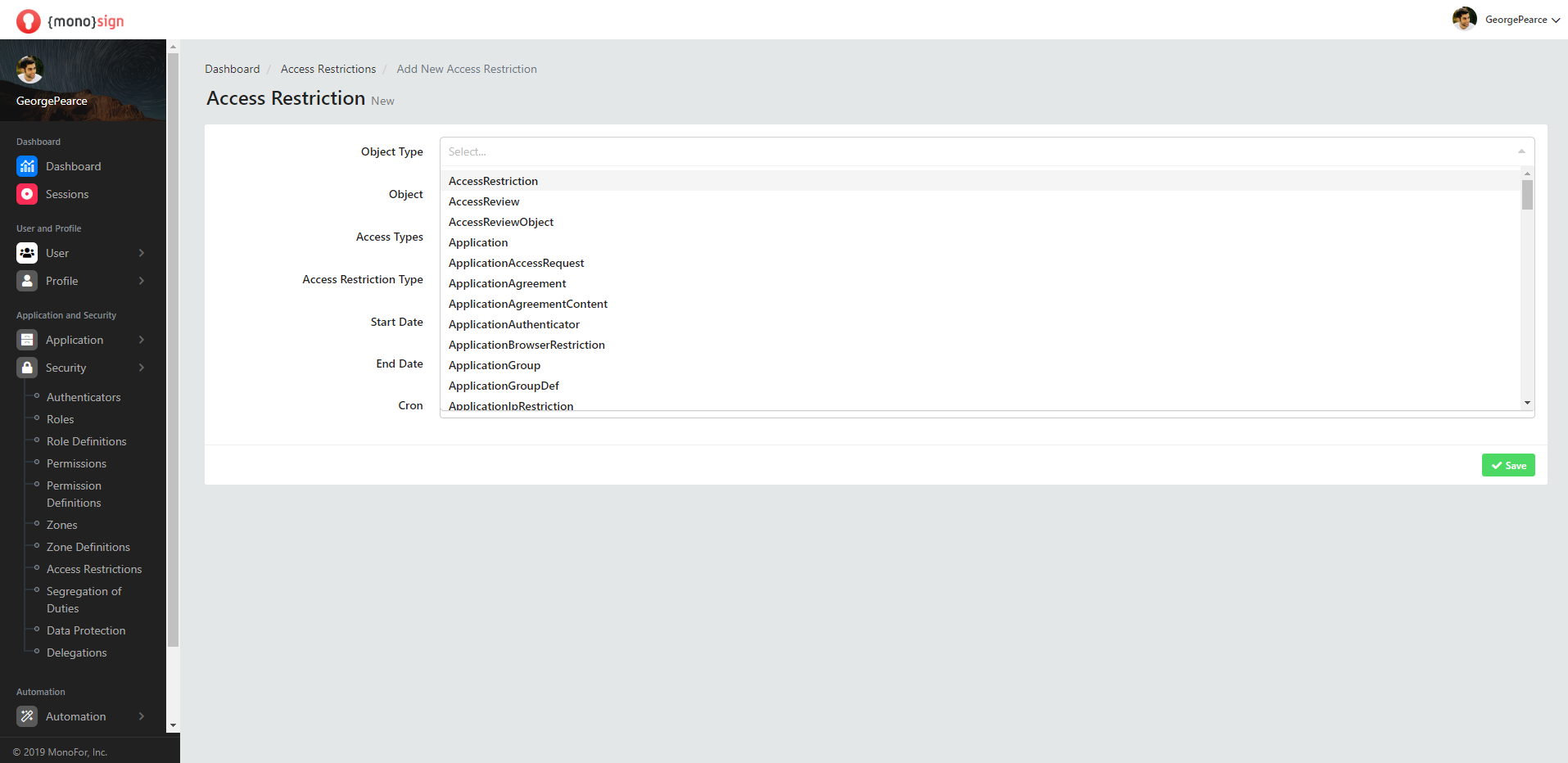
ObjectType
It is the area where you can specify the object type / type when an access restriction is desired to be added to the objects defined in the system.
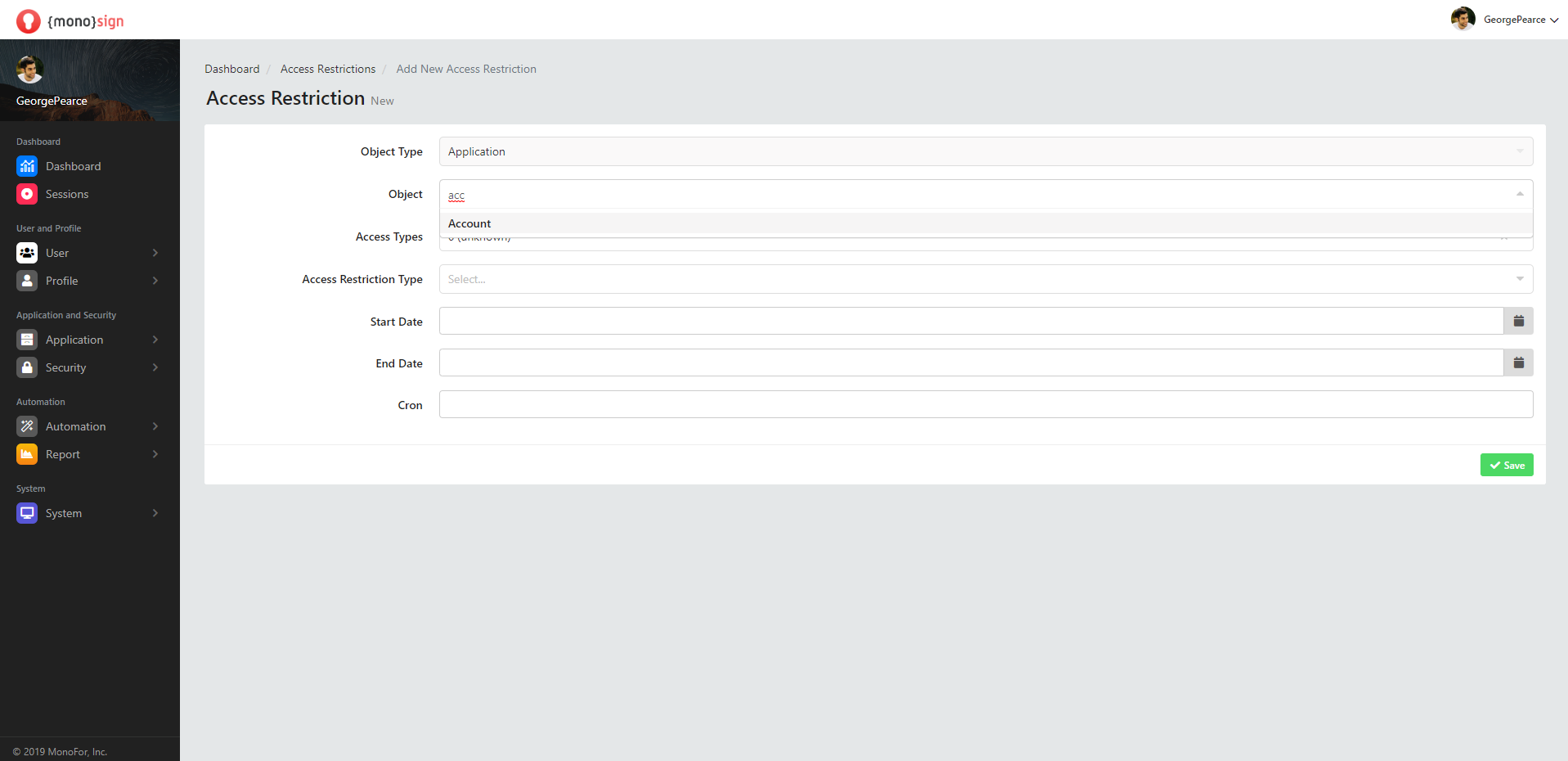
Object
After the object type / type is determined, it is the area where you can add an access restriction according to the object type and specify the object.
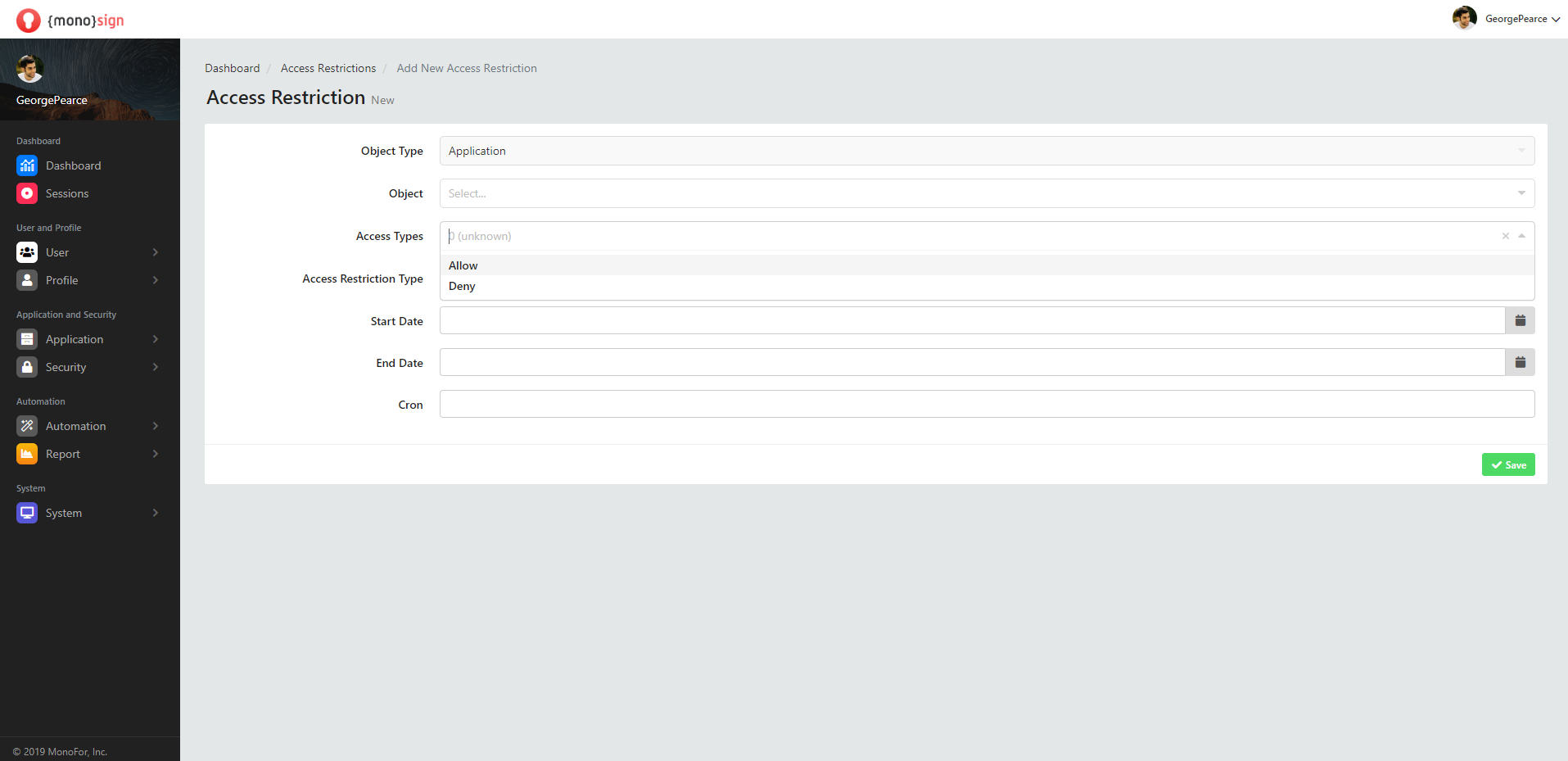
Access Types
After the object type / type and object are determined, it is the field where you can specify the access type.
-
Allow - Allow allows you to set the access type to allow.
-
Deny - Deny allows you to set the access type to deny.
Access Restriction Type
-
Usability - Usability,
-
Accessibility - Accessibility,

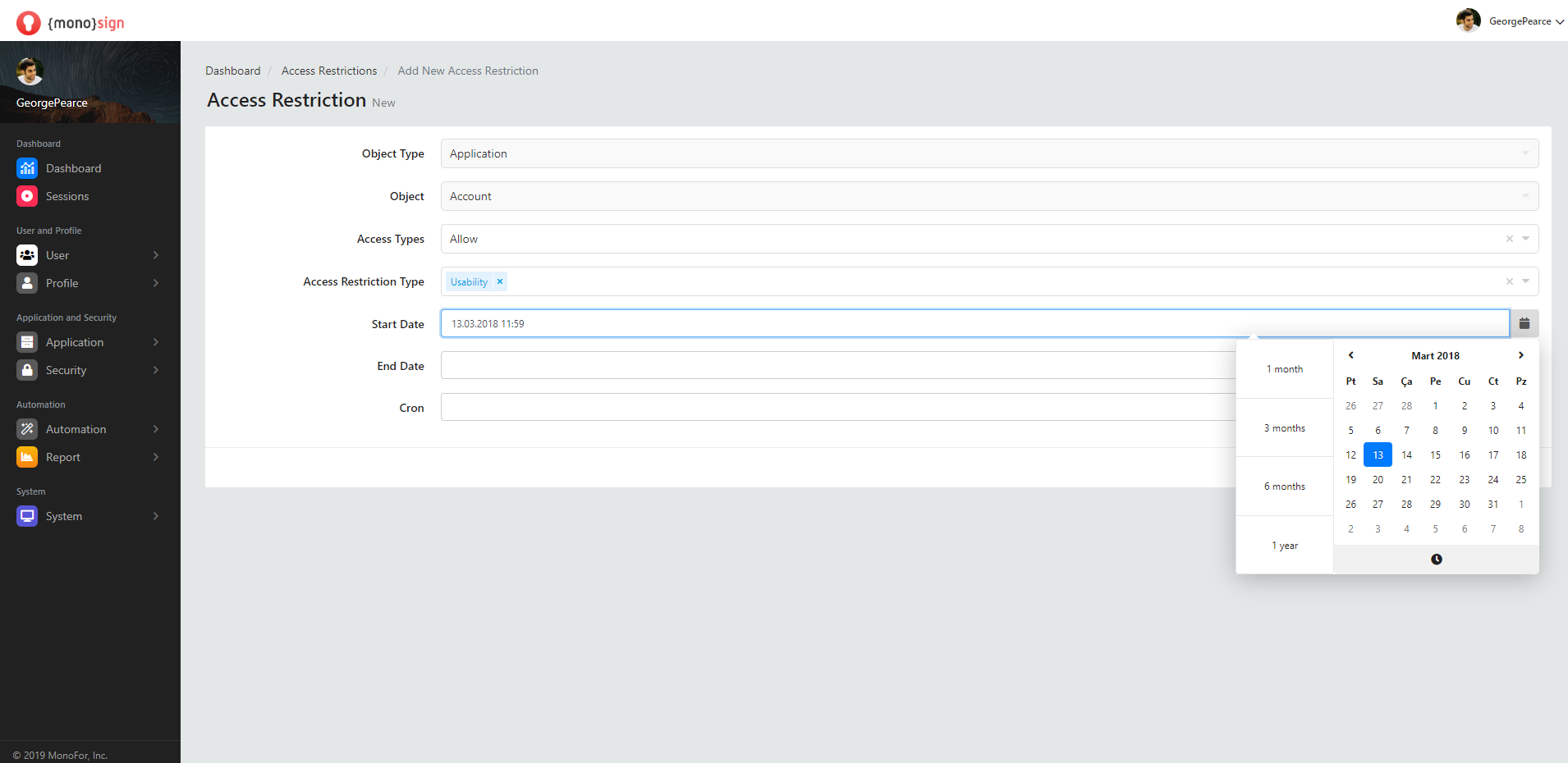
Start Date
This is the field where you can specify the start date of the new access restriction to be added.
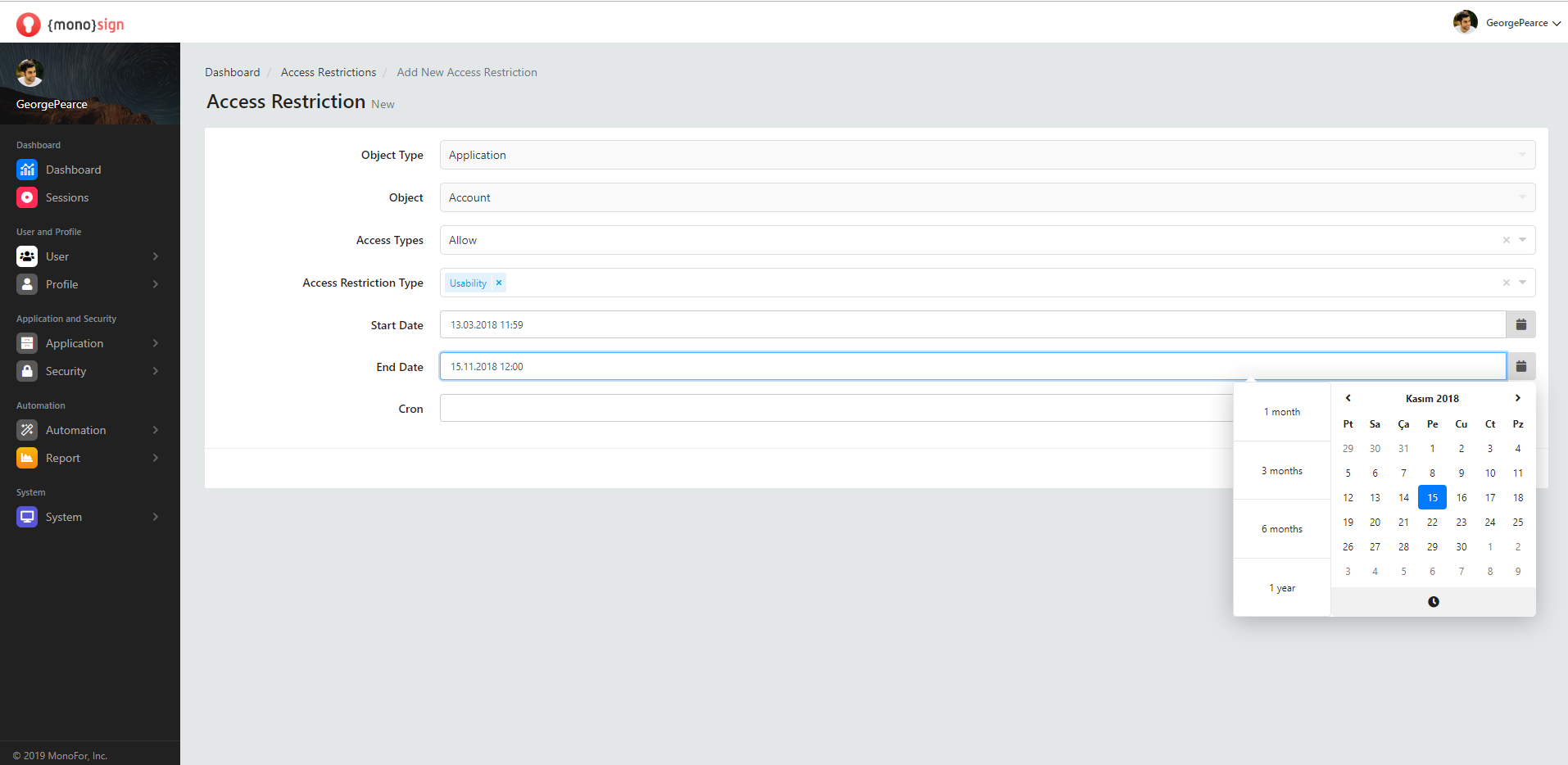
End Date
This is the field where you can specify the end date of the access restriction to be added.
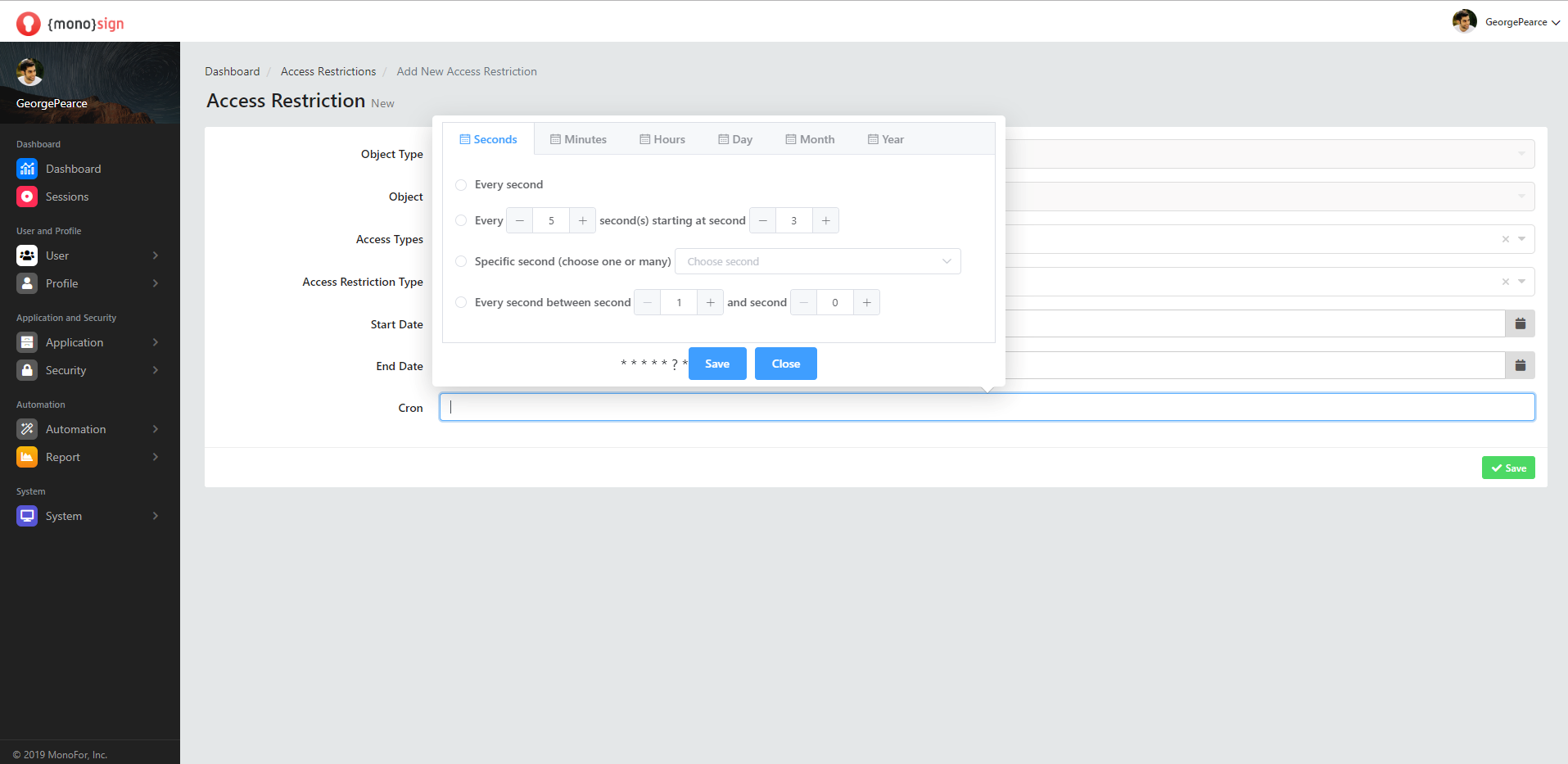
Cron
It is a unix command that allows effects to be scheduled to a later date. When you click on the cron field from the Add new authorization window, another window will appear that allows you to schedule the authorizations according to a later date. In the window that appears,
-
Seconds
-
Minutes
-
Hours
-
Day
-
Month
-
Year
you can make a comprehensive plan for the future from the sections.
Save
After all the fields are filled and the properties are determined, a new access restriction is added by clicking the green "save" button in the lower right part of the window. It will issue a confirmation notification to your stake when the transaction is successful.