
The Add New Zone Definition page is the page that allows you to add a new zone definition.
The Add new zone definition page consists of the following sections.
|
|
|---|
|
Title |
|
Name |
|
StartIp |
|
EndIp |
|
Platforms |
|
Browsers |
|
Role |
|
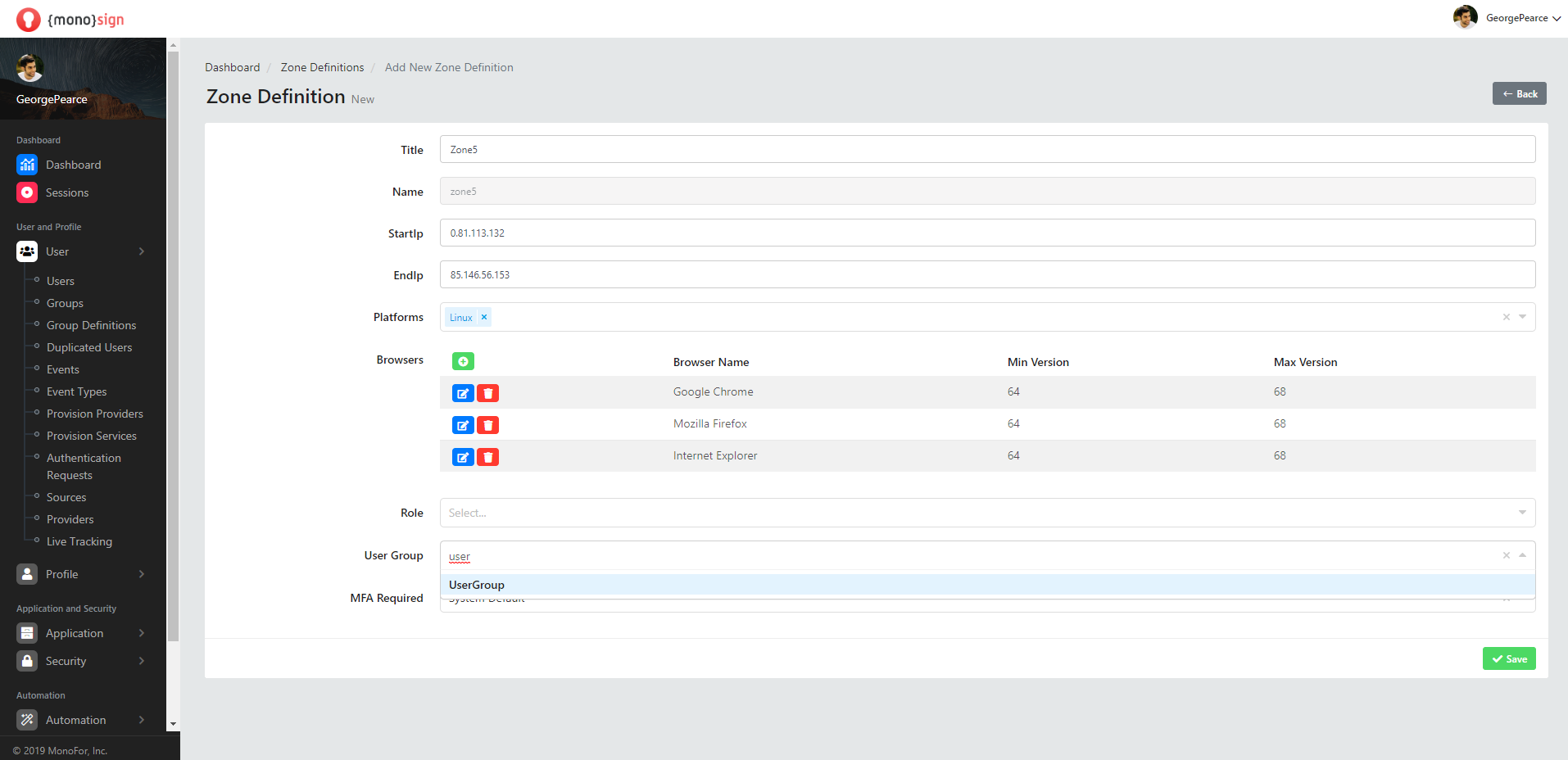
User Group |
|
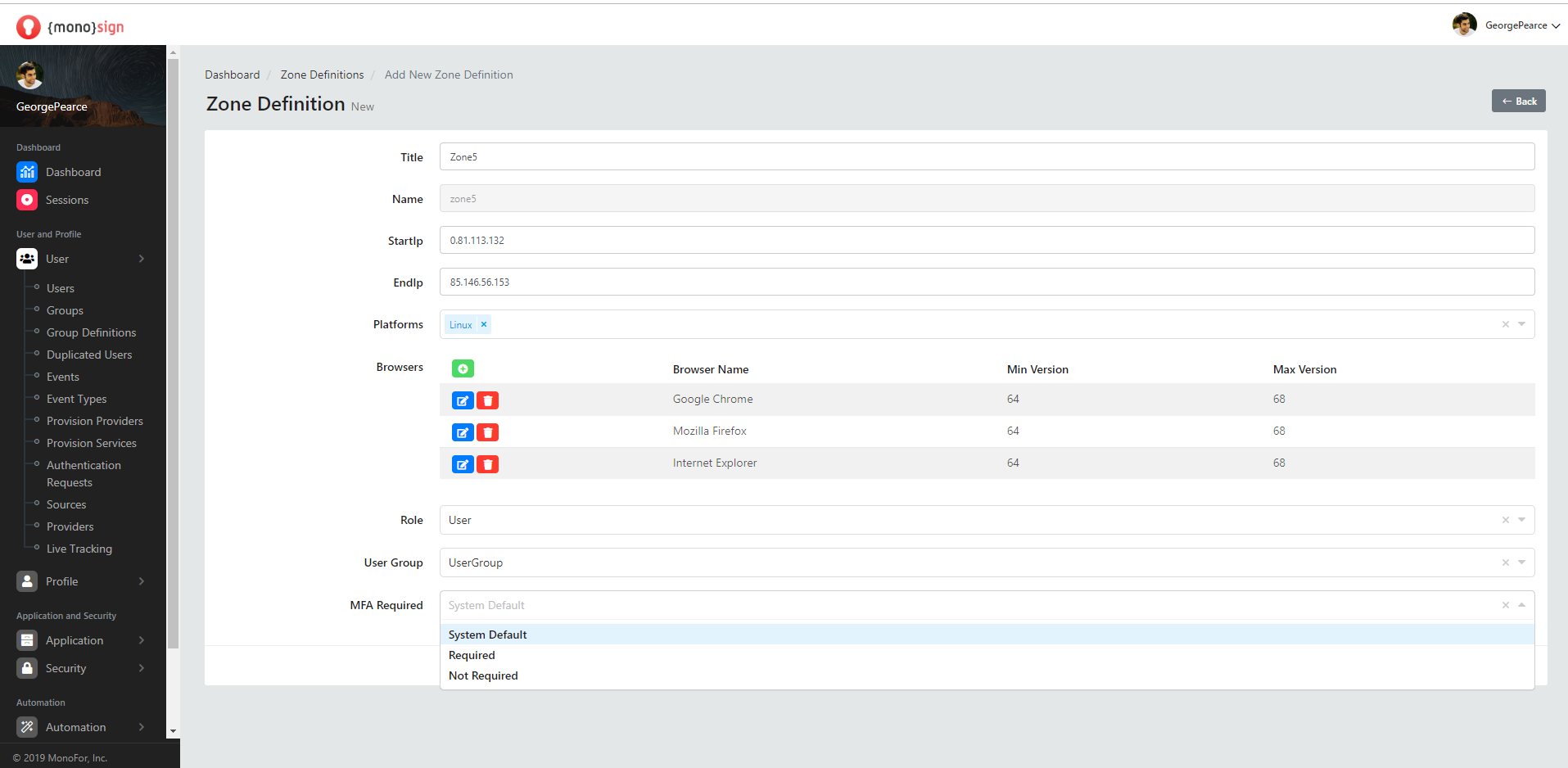
MFA Required |
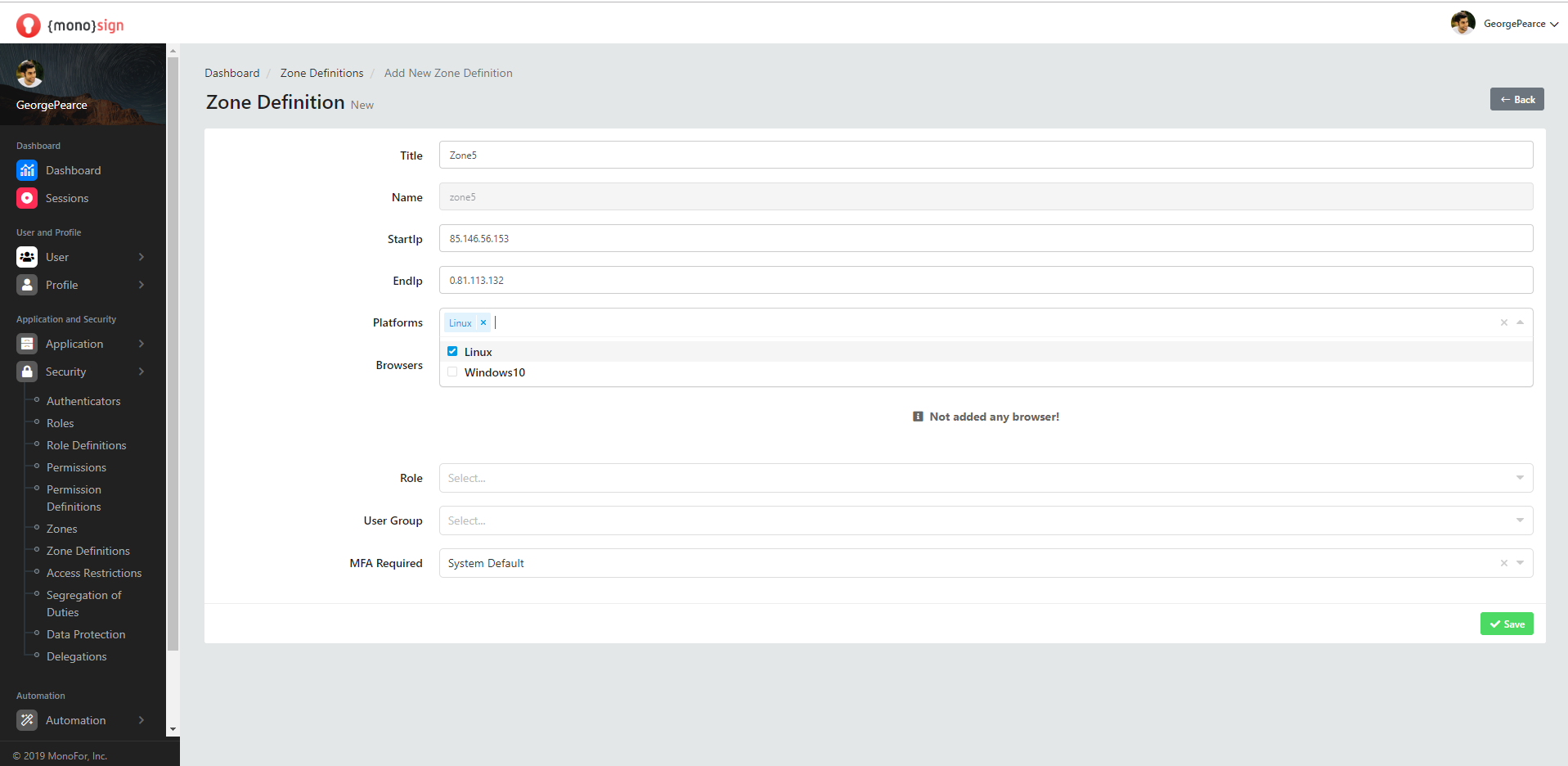
Title
This is the area where you can specify the header information of the new region to be defined.
Name
This is the area where you can specify the name information of the new region to be defined.
StartIp
This is the area where you can specify the initial IP information of the region to be defined.
EndIp
It is the area where you can specify the ending IP information of the region to be defined.
Platforms
This is the area where you can specify the platform information of the region to be defined.
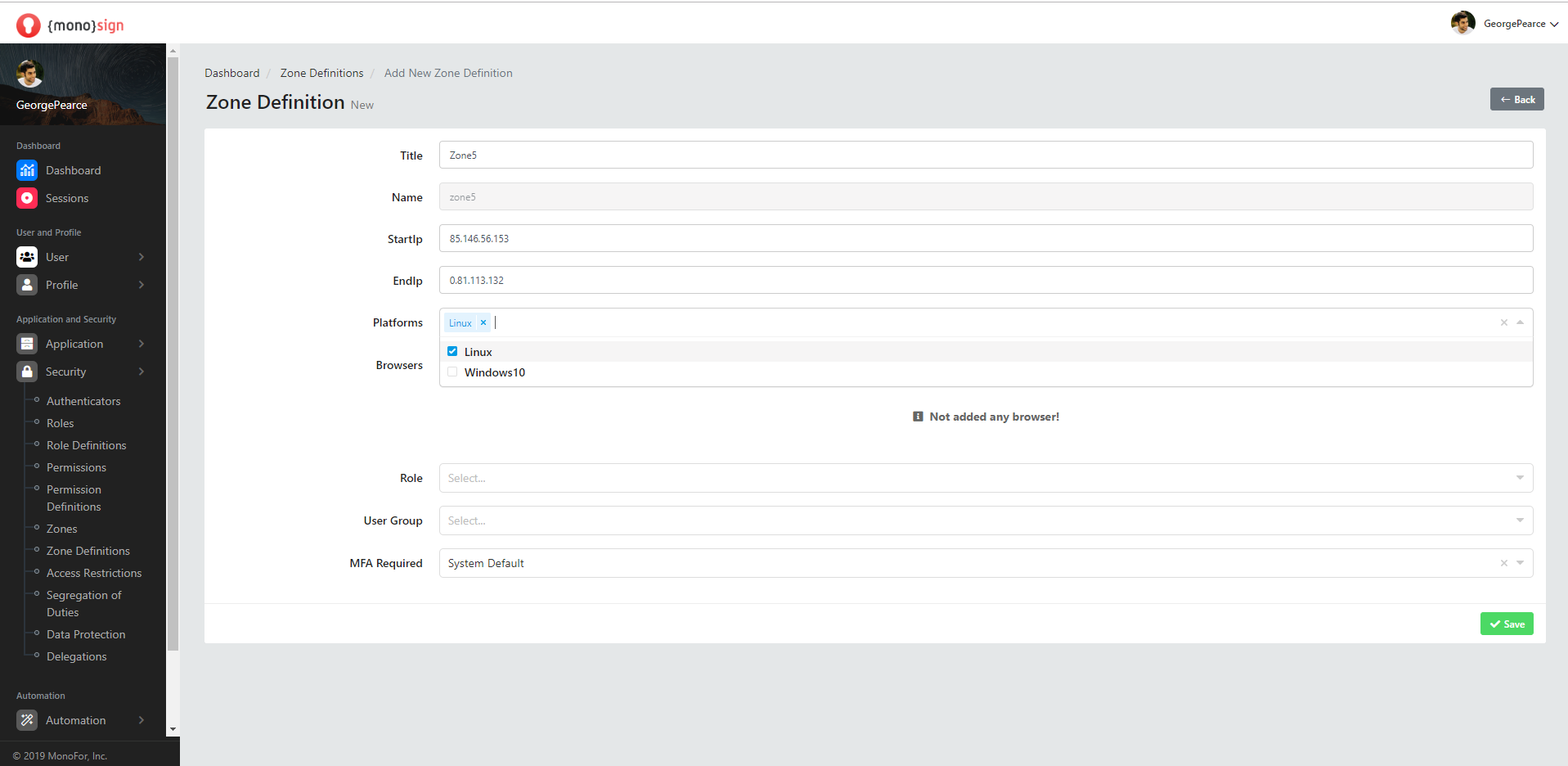
Platforms may vary depending on the location and layout of the system.
Browsers
This is the area where we can specify the browser information of the new region to be defined.
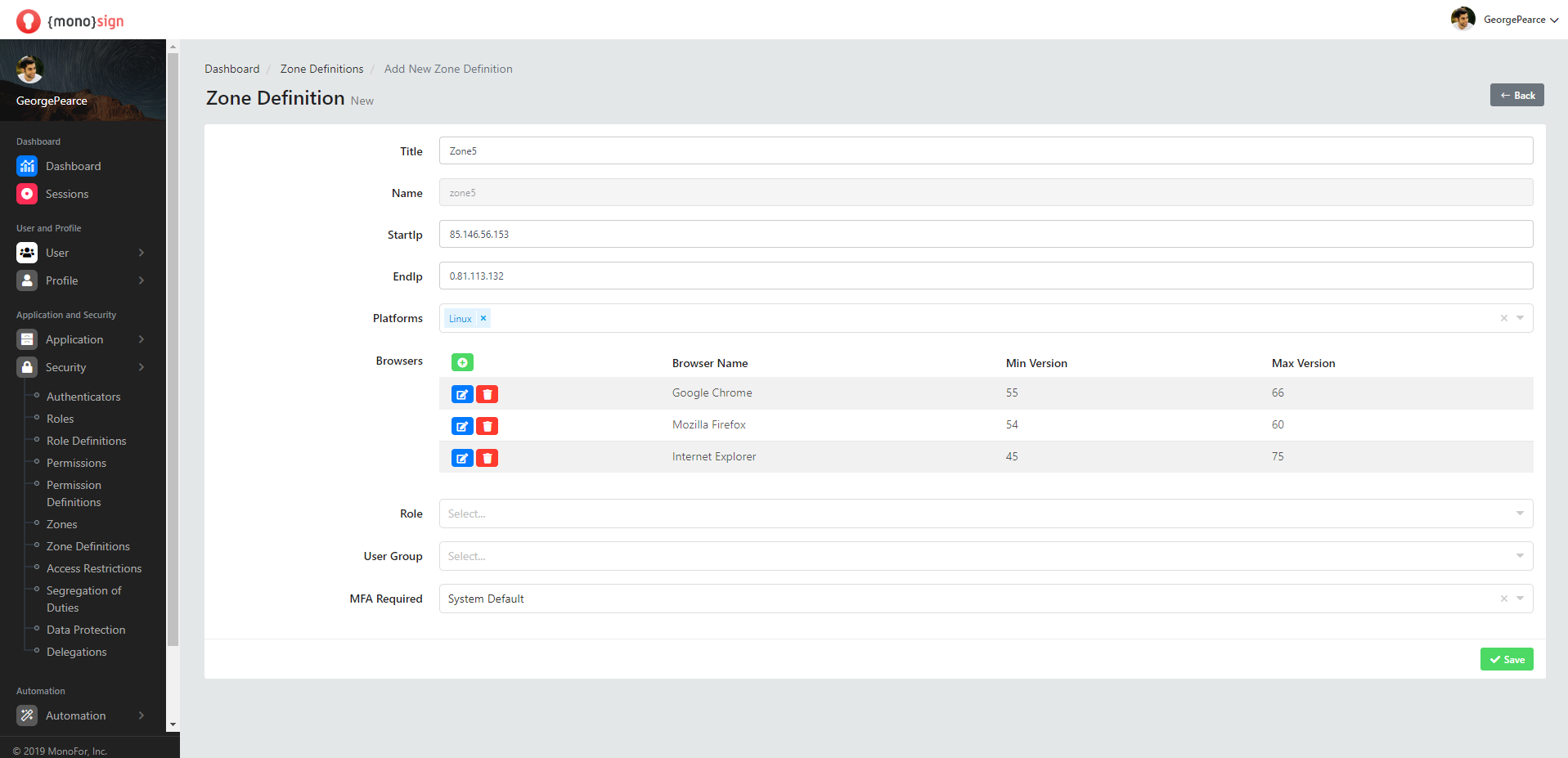
Add New Browser
Tarayıcılar kısmında bulunan yeşil renkli butona tıklandığında, karşınıza bölgeye yeni bir tarayıcı ekleyebileceğiniz pencere çıkarır.
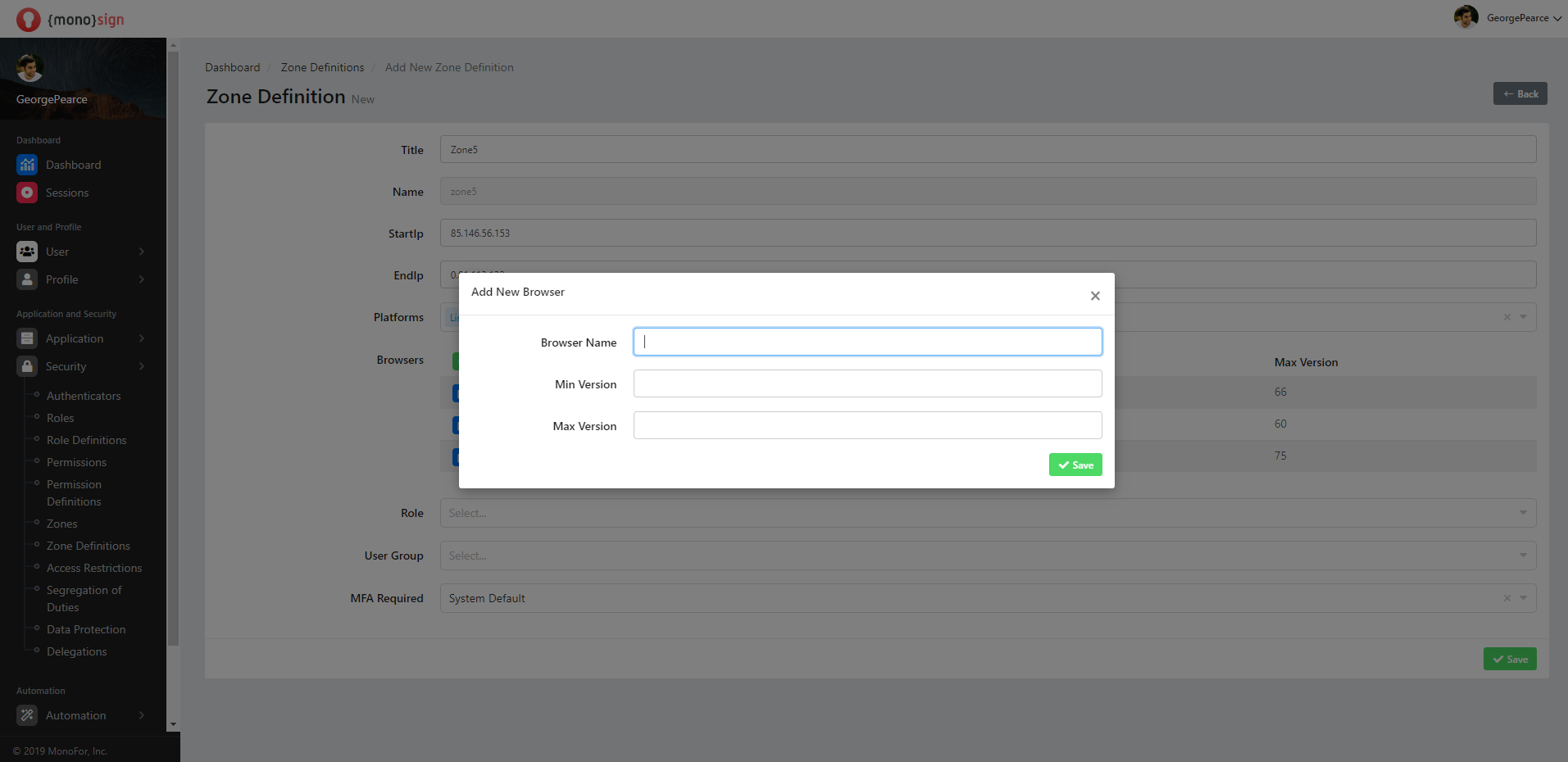
In the add new browser window, it consists of the following sections.
|
|
|---|
|
Browser Name |
|
Min Version |
|
Max Version |
-
Browser Name is the field where you can specify the name of the newly added browser.
-
Min Version is the field where you can specify the minimum version of the newly added browser.
-
Max Version is the field where you can specify the maximum version of the newly added browser.
Edit Browser
Clicking the blue button in the Browsers section will bring up a window where you can edit any browser added to the region. Edit browser has the same process as adding a new browser.
Delete Browser
Clicking the red button in the Browsers section allows you to delete any browser added to the region.
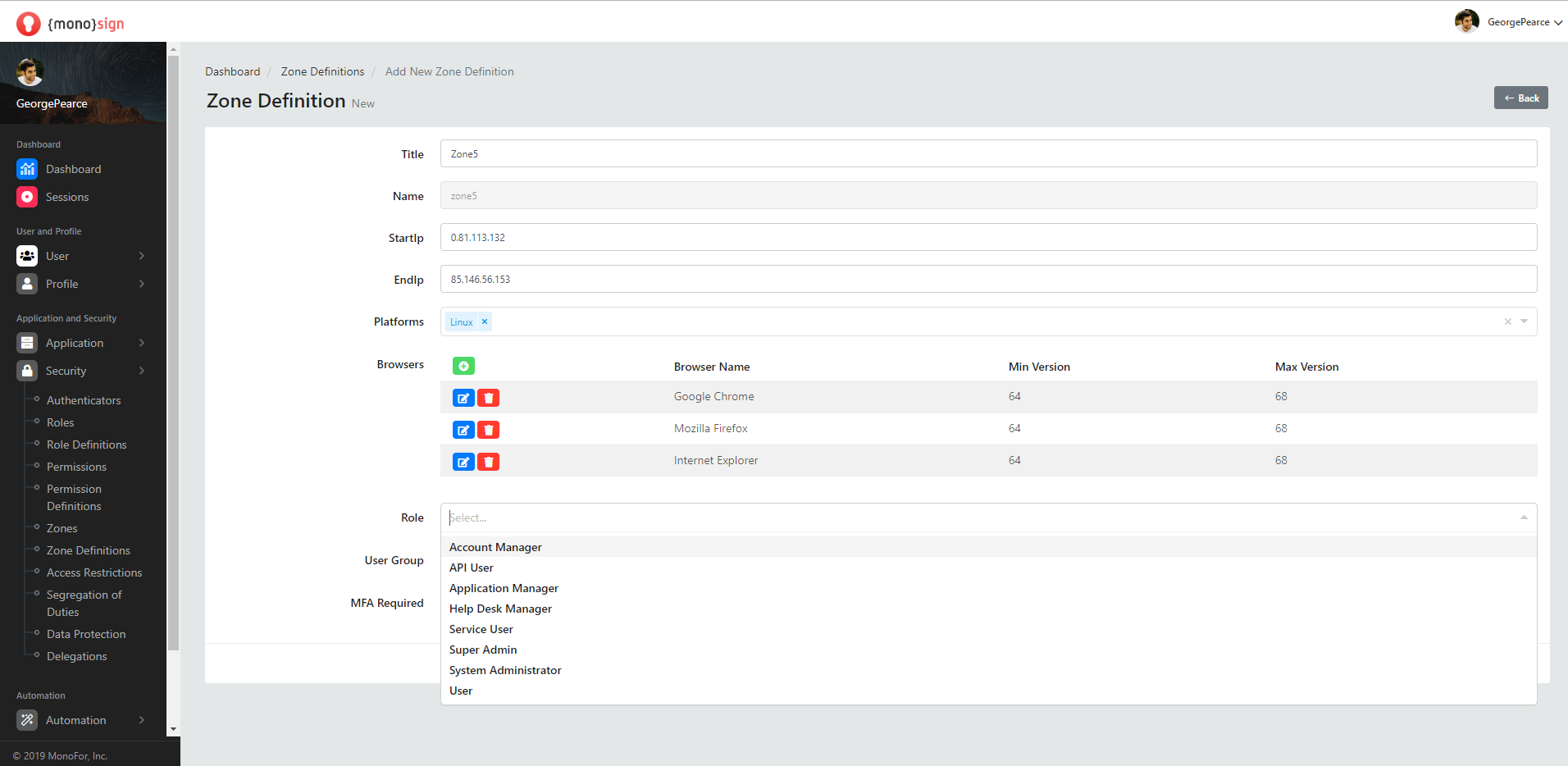
Role
This is the area where you can specify the role information of the new region to be defined.
User Group
This is the area where we can specify the user group information of the region to be defined.
MFA Required
This is the area where you can specify the multi-factor authentication information of the region to be defined.
Save
After all the fields are filled and the properties are determined, a new zone definition is added by clicking the green "save" button at the bottom right of the page. It will issue a confirmation notification to your stake when the transaction is successful.