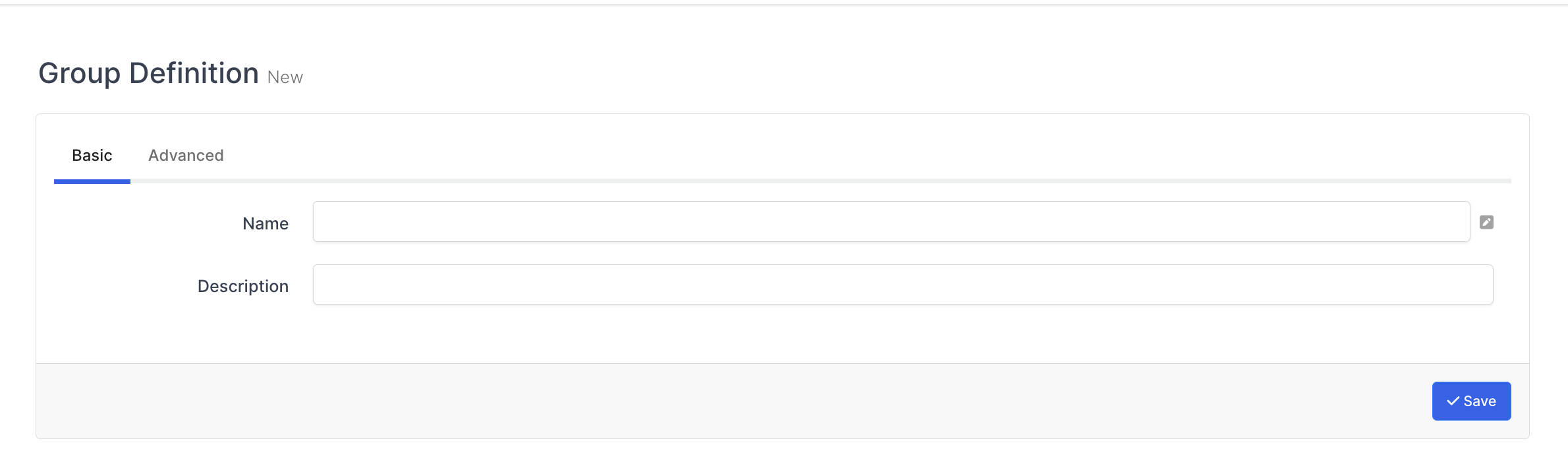
You can assign a group to an object from this page.
After the information in the table is entered, the specified object is assigned to the selected group.
|
fields |
|---|
|
Object Type** |
|
Object |
|
Group |
INFORMATION
** Object type presents any object that can be grouped in the system. For example user, application, flag, profile etc.
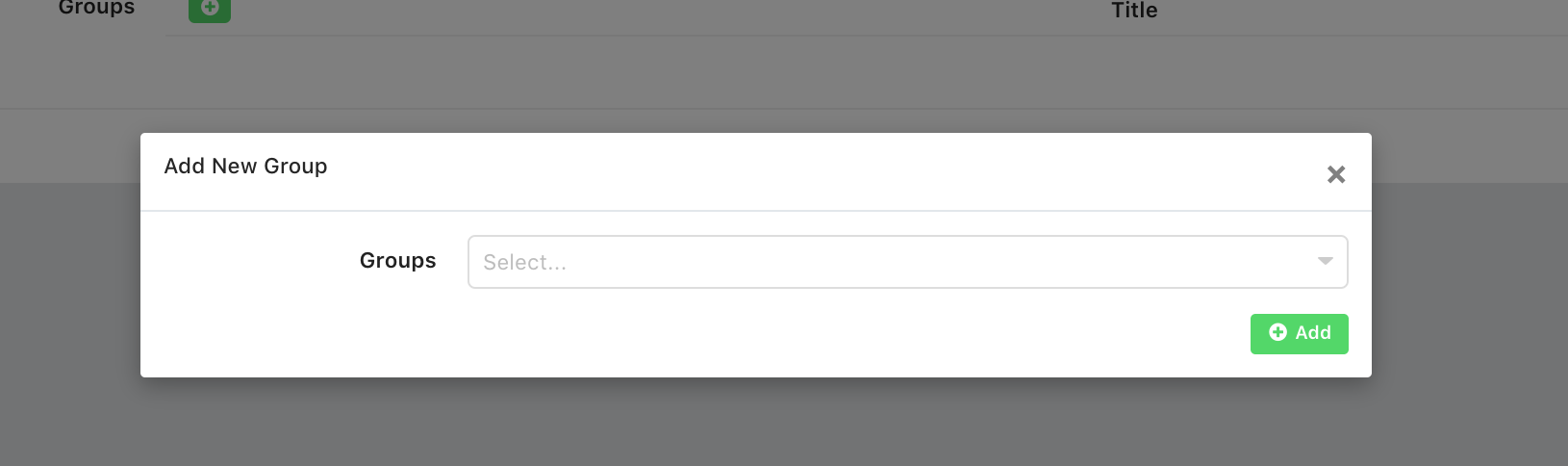
After filling the Object Type and Object fields, you can select the group to be assigned from the window that appears by clicking the green "+" button.
Select the group to be assigned from the window that opens and click the "Add" button. Then you can complete the process by clicking the "Save" button at the bottom right of the page.