
Edit is the page where you can edit any feature set you are on. In this area, the feature group
-
Title
-
Name
-
Description
-
Parent Group
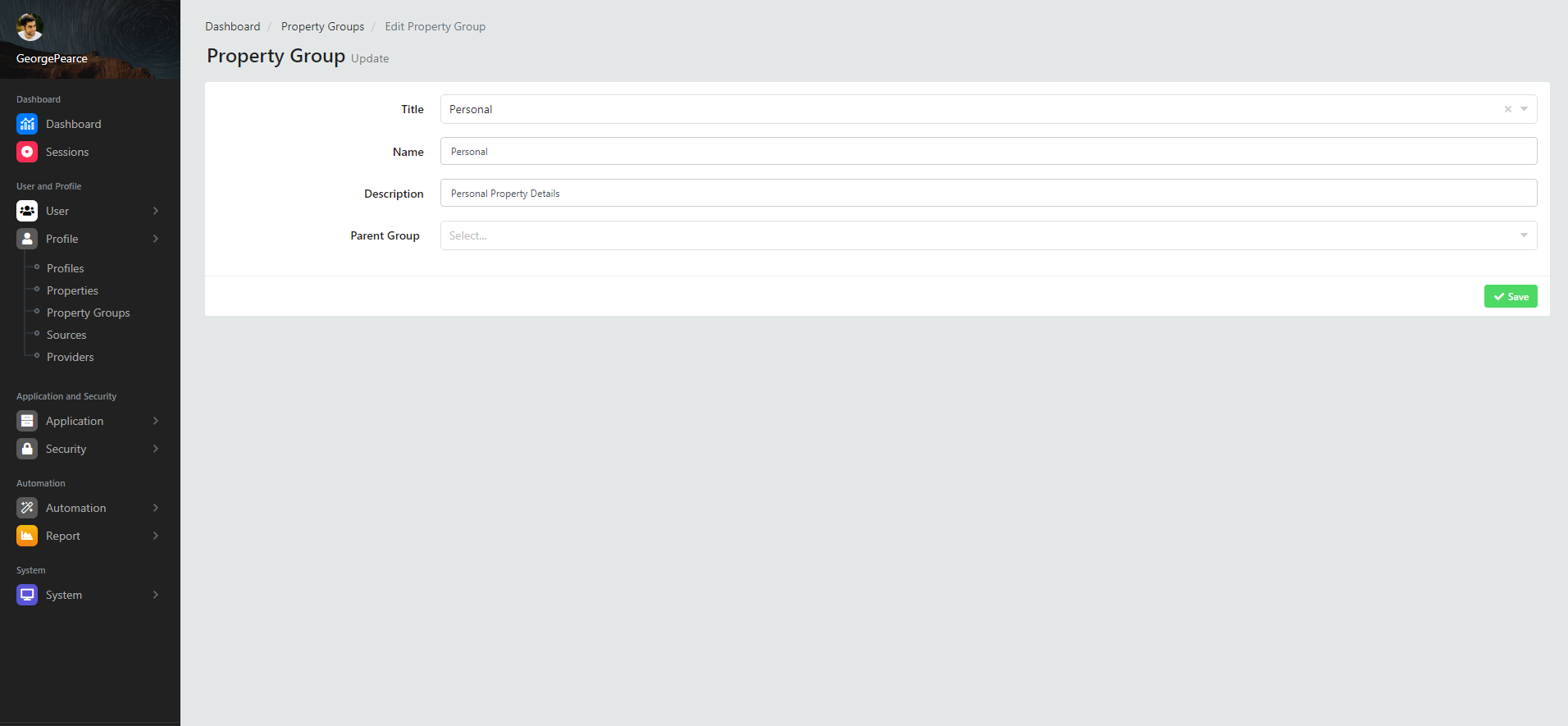
you can view fields. The title comes automatically for the property set you are on and cannot be edited.
-
Name
-
Explanation
-
Parent group
These are fields that you can specify and can be edited.
Title
This is the area where you can view the title information of the property group you are on.
Name
This is the area where you can view the name information of the feature group you are on.
Description
This is the field where you can specify the description information of the property group you are on.
Parent Group
This is the area where you can specify the parent group information of the property group you are on. The parent group consists of 4 options. The options may vary depending on the location and layout where the system is running.
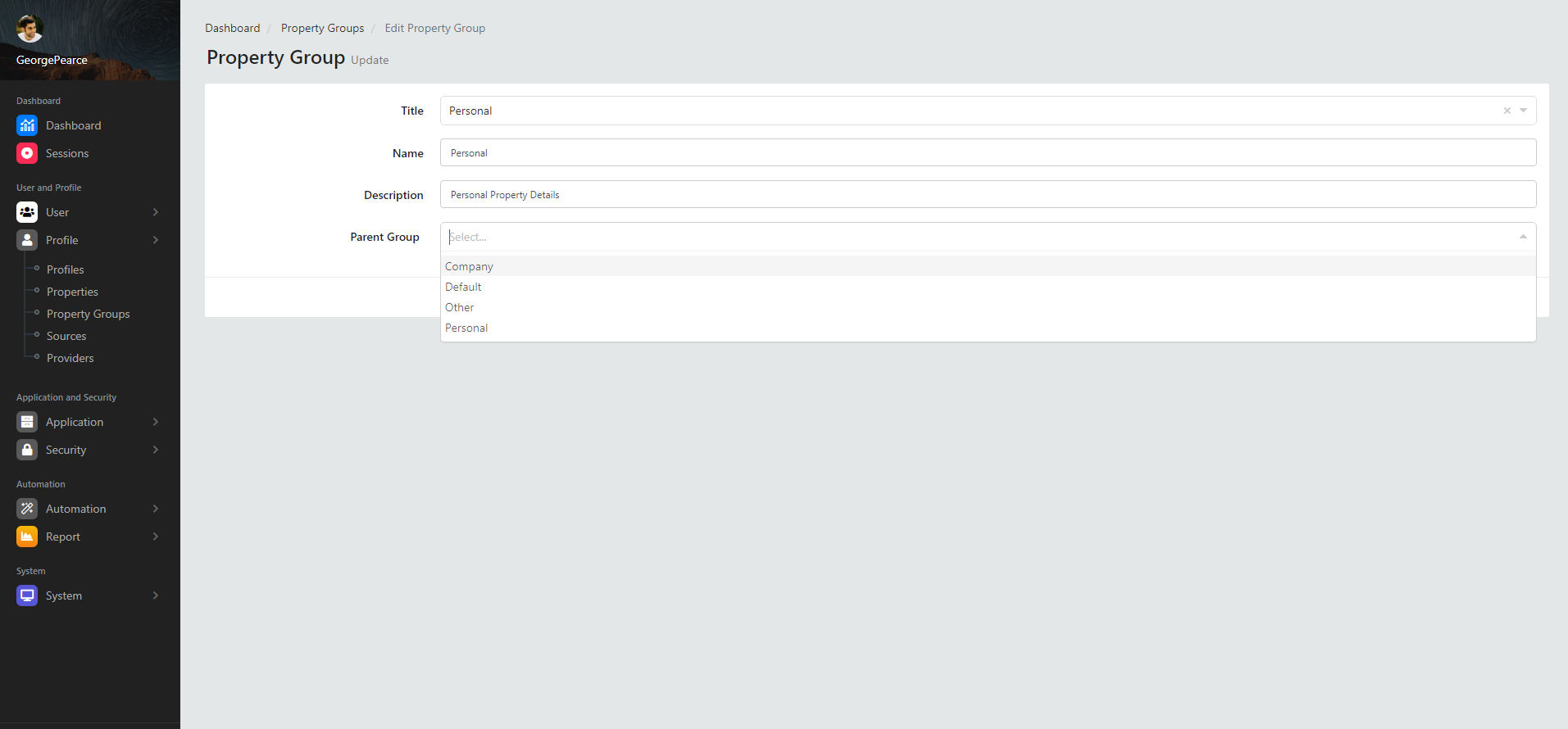
If you edit the feature group details, click the "save" button, and the editing process will be performed and a confirmation notification will appear that the profile feature group editing process has been completed successfully.