Rotate changes a password on its target and in the vault. Reconcile pushes the vault's current password to the target without generating a new one. Both can run on a schedule through a Password Rotation Policy or by hand from the Vault list.
Applies to | Who can do this |
|---|---|
Monopam v2026.10 | Rotate and Reconcile from the Vault list: super administrators. Policies: administrators with permission to manage policies. |
Rotate or reconcile by hand
- Open Vault and select one or more items. The toolbar shows Rotate (3), Reconcile, Lock / Release, Expire and Validate.
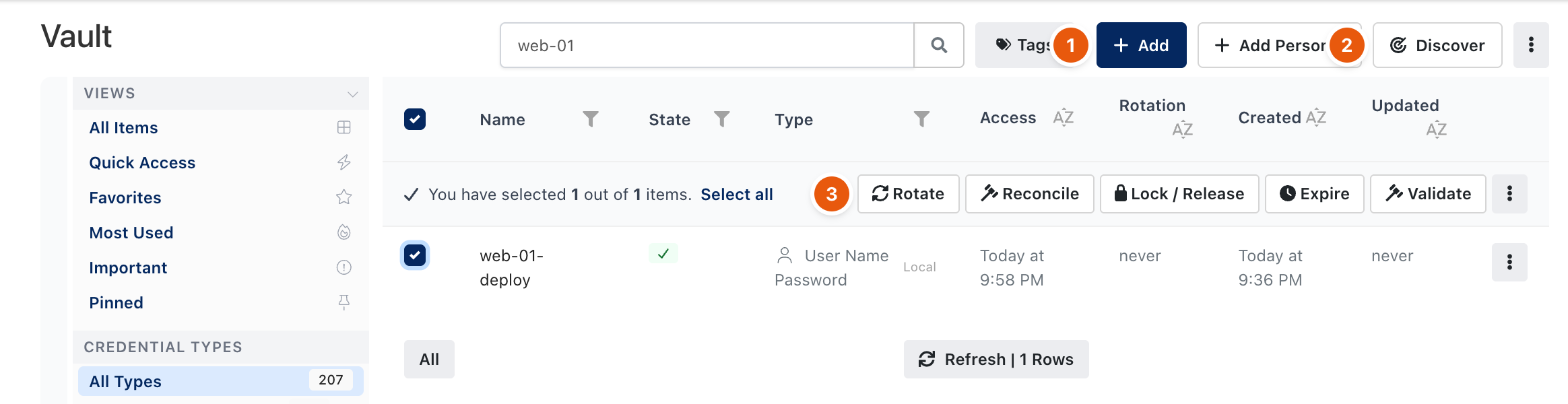
Figure 1. Actions on selected vault items.
- Click Rotate and confirm with Yes, Rotate!. Related automations run too.
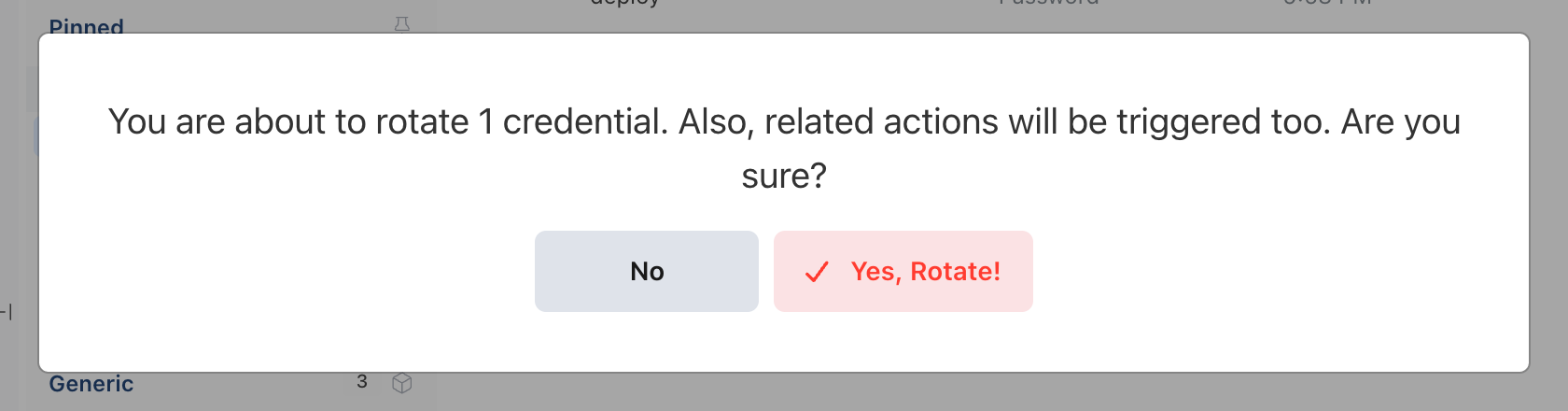
Figure 2. Confirming a rotation.
Action | What it does |
|---|---|
Rotate | Generates a new password, sets it on the target and stores it as a new vault version. |
Reconcile | Sets the vault's current password on the target. Use it when someone changed the password on the server. |
Lock / Release | Locks the item so nobody can reveal it, or releases the lock. |
Expire | Marks the item as expired. |
Validate | Checks the stored password against the target. |
Add (1) creates a vault item and Discover (2) opens the discovery of privileged accounts. The Rotation column shows when each item was last rotated.
Follow rotations
Automations lists web automations running now, rotations queued while no gateway is available (they resume when a gateway returns), and recently finished runs.
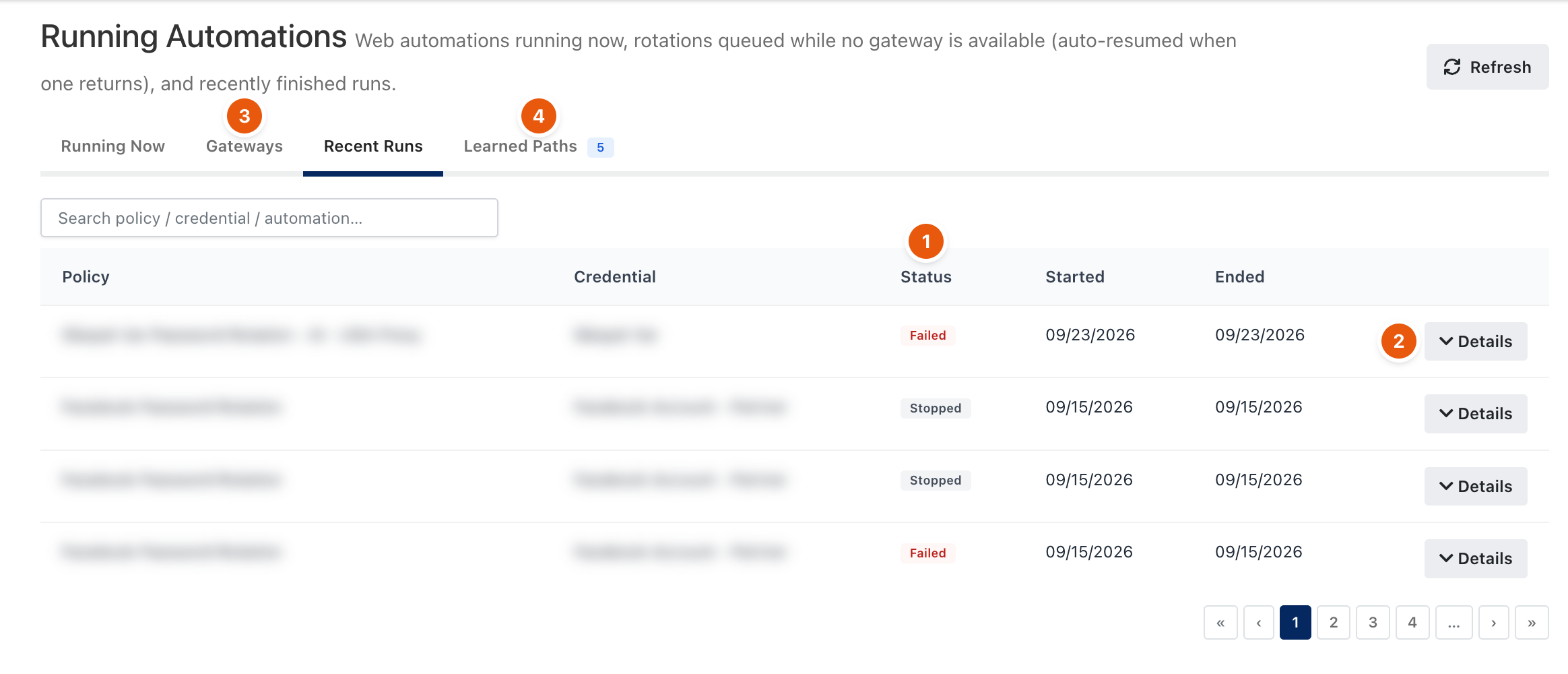
Figure 3. Recent rotation runs.
Tab | Shows |
|---|---|
Running Now | Automations in progress, with the policy, credential, automation and gateway. |
Gateways (3) | Gateway availability for automations, and rotations waiting for a gateway. |
Recent Runs | Finished runs with their Status (1). Details (2) shows the steps. |
Learned Paths (4) | Paths learned by AI automations, with how often each was replayed. |
Related
- Password Rotation Policy
- Vault items
- Audit log