A Space Access Policy decides who may see the resources and vault items in a space. It is the second half of access: a user needs a Space Access Policy for the space and a Resource Access Policy (or Vault Access Policy) for the object.
Applies to | Who can do this |
|---|---|
Monopam v2026.10 | Administrators with permission to manage policies. |
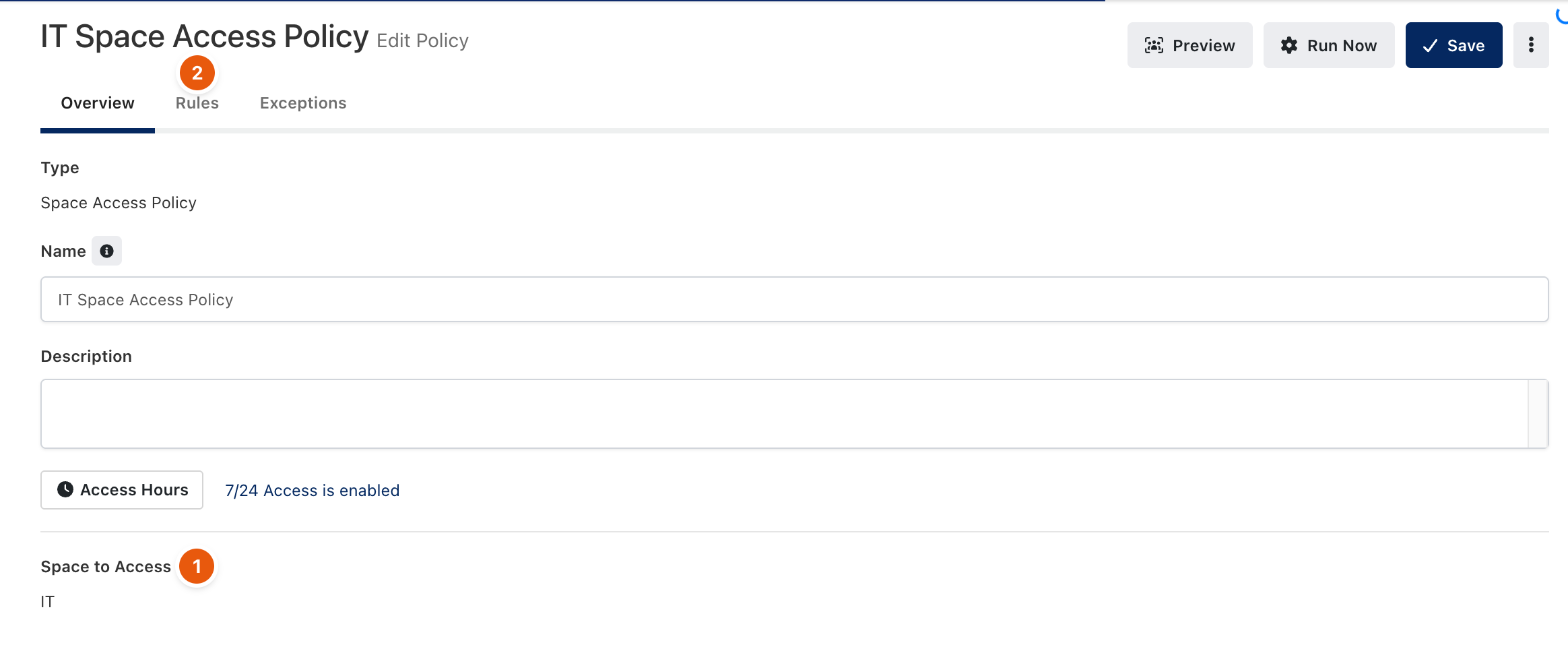
Figure 1. A Space Access Policy.
- Open Policies → Add New → Advanced and choose Space Access Policy.
- Choose the Space to Access (1) and, if needed, limit Access Hours.
- On the Rules tab (2), decide who the policy applies to, then click Save.
Troubleshooting
What you see | Why | What to do |
|---|---|---|
A user has a Resource Access Policy but does not see the resource. | No Space Access Policy gives the user the resource's space. | Add a Space Access Policy for that space that matches the user. |
Related
- Spaces and Tags
- Resource Access Policy
- How policies work