User-facing flows of Monofor Identity Client for macOS 2.4.19. Installation and settings: macOS. Problems: macOS Troubleshooting.
Sign in with a QR code
Once the Mac is configured, the login window and the lock screen show the Monofor screen. Scan the QR code with the Monofor Identity mobile app and approve.
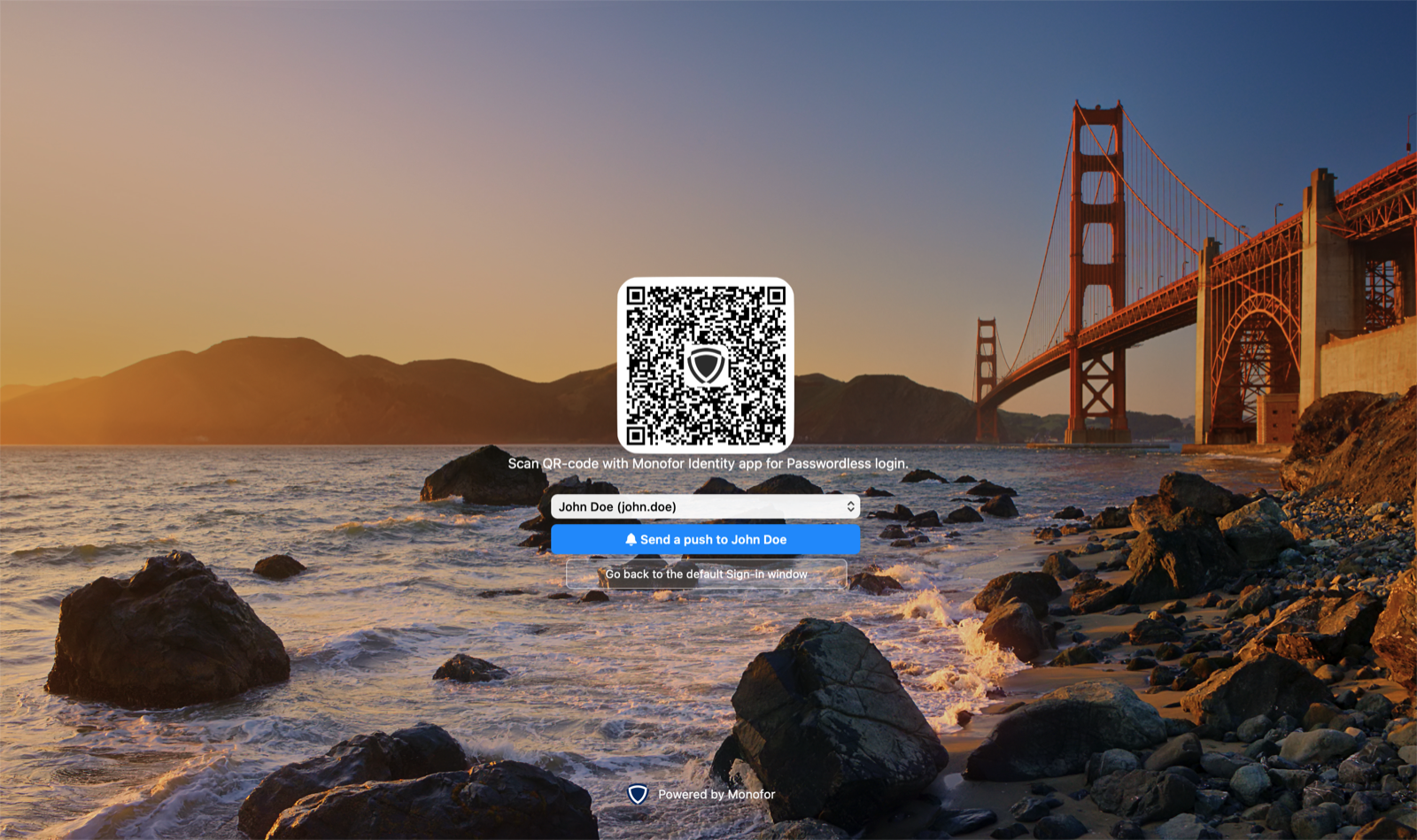
Lock screen with the Monofor sign-in
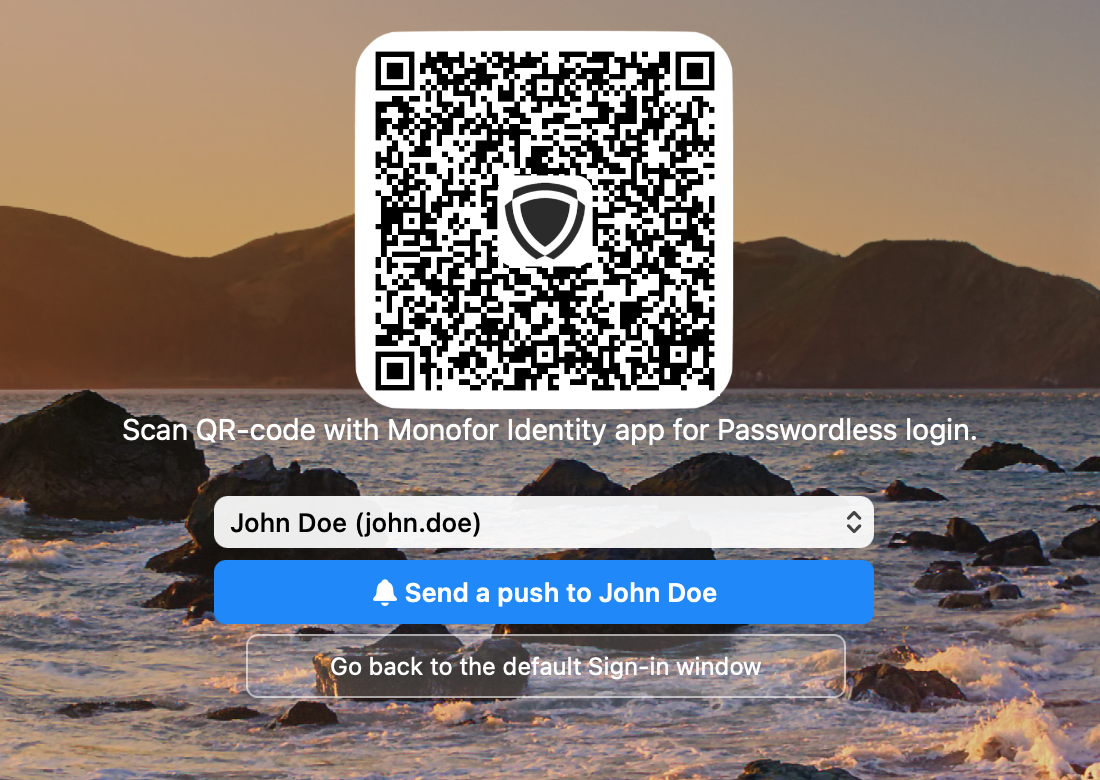
QR code with the tenant logo, account chooser and push button
The QR code refreshes by itself when it expires or after it was used.
A rejected approval shows a message and a new QR code. If the user is not assigned to the application in Monosign, the screen says so.
After the QR code is scanned, the tile shows the Monofor logo until the sign-in finishes.
Sign in with a push notification
Open the Push option and send a notification. When several people use the Mac, choose the account first; the screen shows who the notification goes to. After sending, the button counts down for 15 seconds before another notification can be sent.
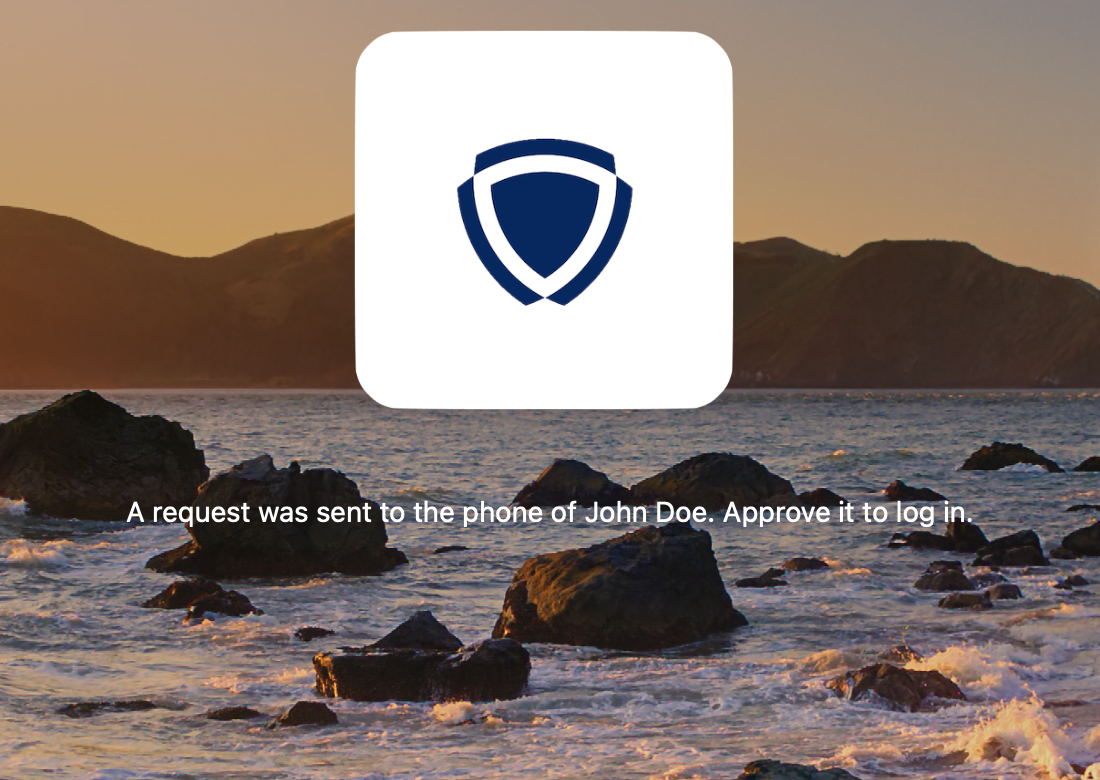
Push sent: approve on the phone
First sign-in: link or create the Mac account
The first time a Monosign user signs in on a Mac, the client links the Monosign account to a Mac account:
Existing Mac account: the user enters the Mac password once to link it.
No Mac account and Monosign allows local accounts for this user and Mac: the user enters the Monosign password once and the client creates a Mac account with that password. Members of the policy's administrator group become administrators.
Monosign password changed: on the next sign-in the user enters the new Monosign password once and the Mac password is updated.
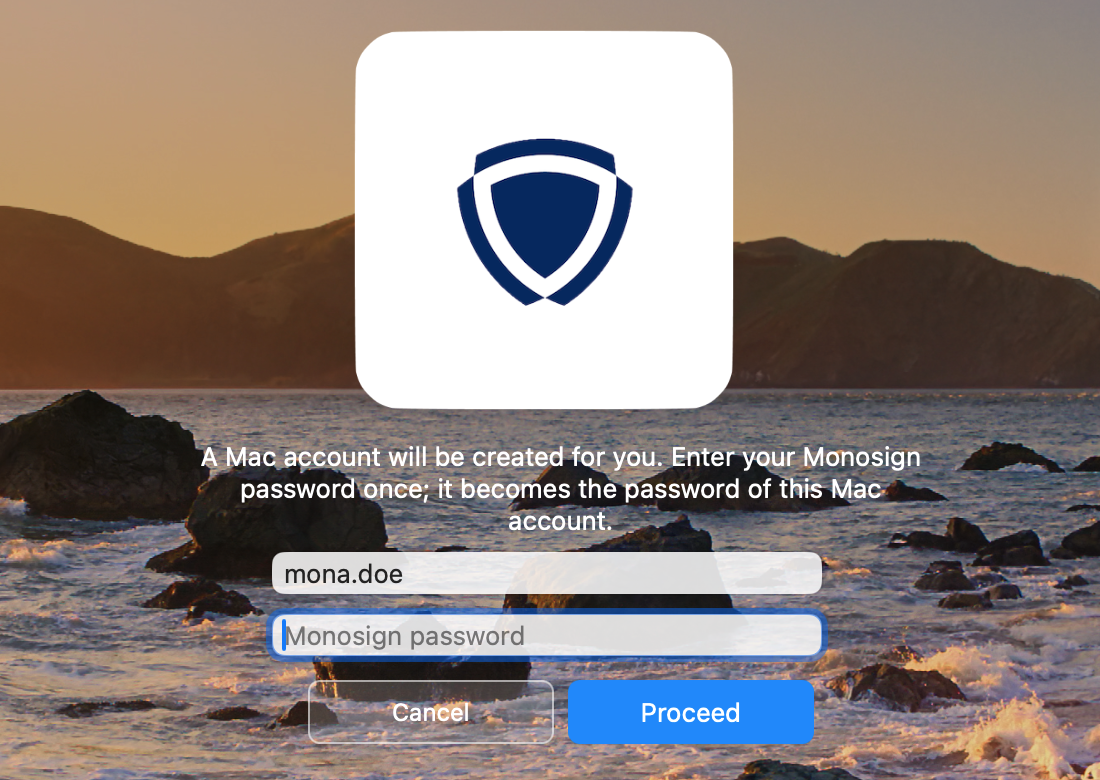
A Mac account will be created for the user
Offline code
When Monosign cannot be reached (checked every few seconds, not only the network link), the screen switches to the offline code. The last signed-in account is filled in. The code for this Mac is in the Monofor Identity mobile app. After too many wrong codes, offline sign-in is locked until the user signs in online with the QR code.
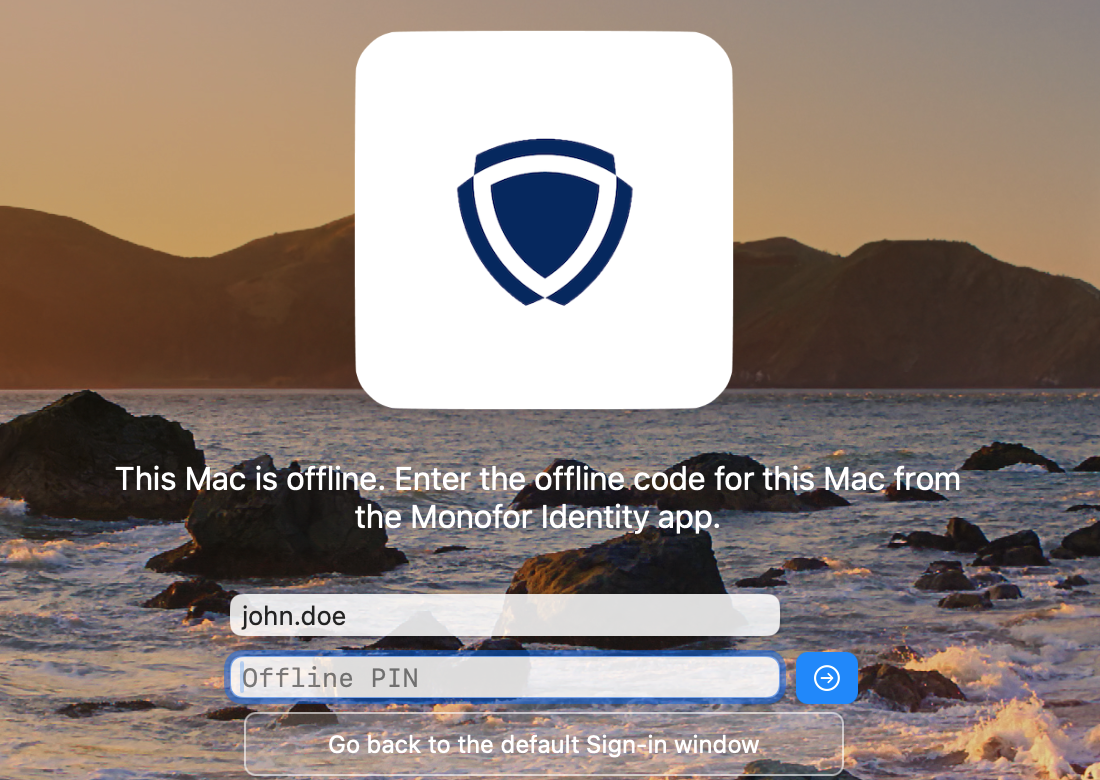
Offline code entry
Administrator approval
Every macOS administrator prompt (System Settings, installers, saving in the Configurator) opens the Monofor approval window instead of asking for a password. It shows what is being approved and offers QR, Push and Offline code; Command+1 to Command+3 switch between them. A password filled in by the asking app is ignored: the approval is always done with Monofor.
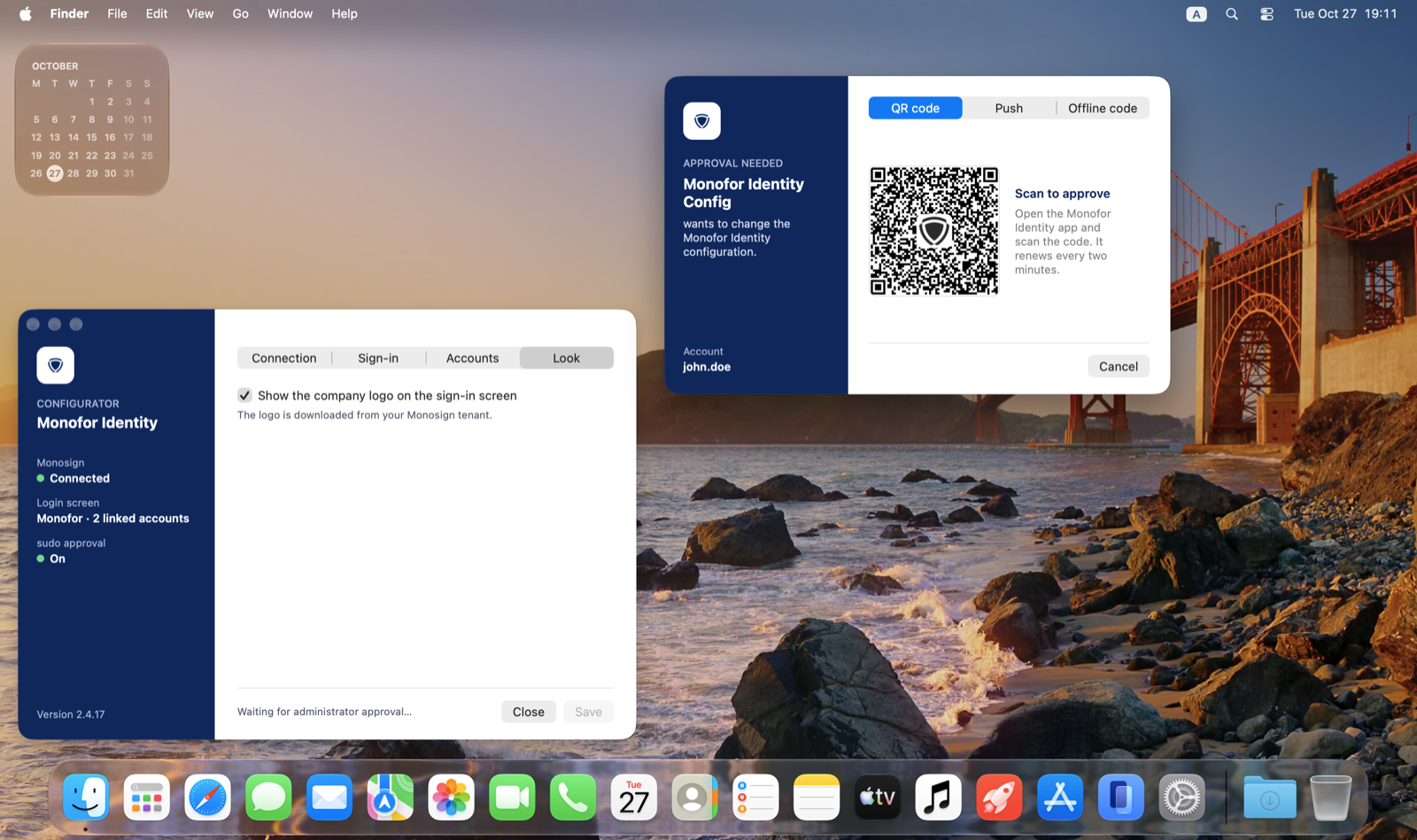
Saving in the Configurator waits for the approval
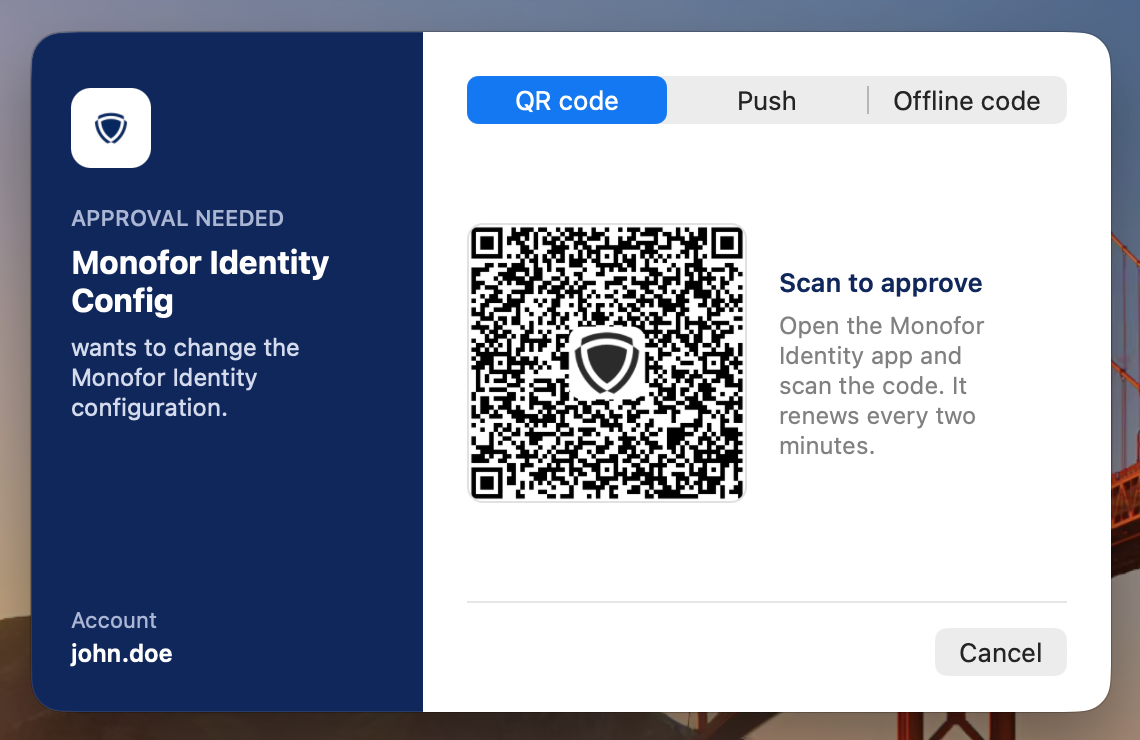
Approval window, QR code
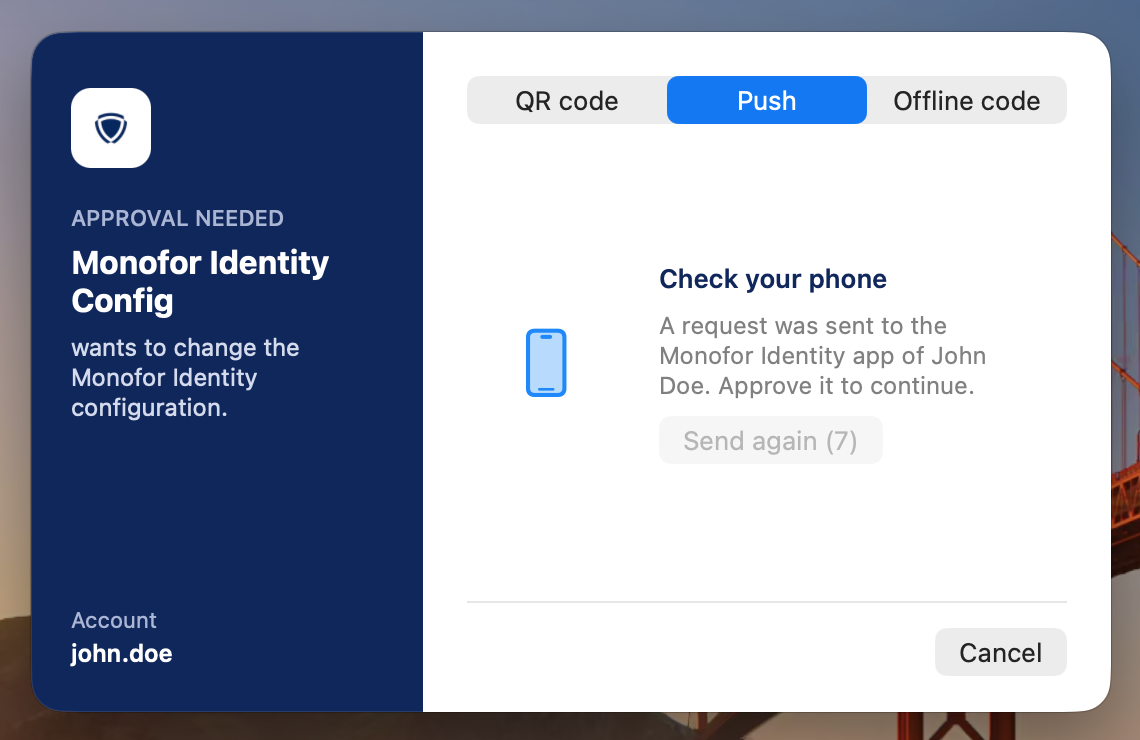
Approval window, push sent with the Send again countdown
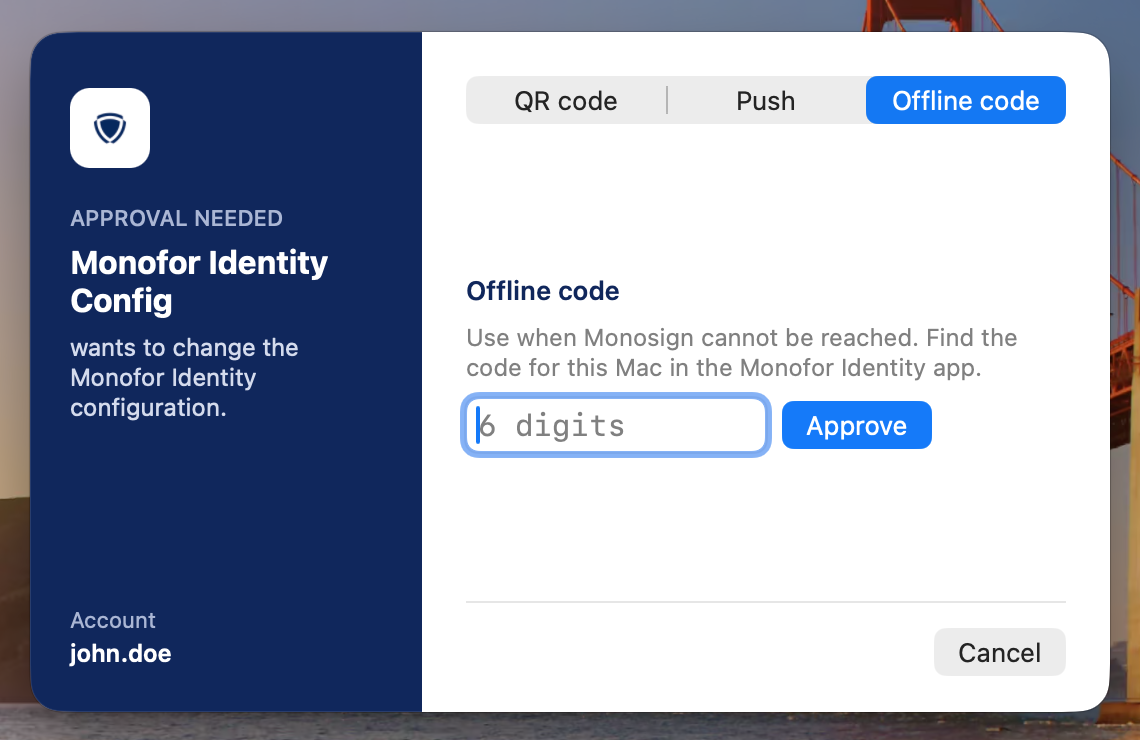
Approval window, offline code
sudo in Terminal
With Admin prompts and sudo set to Monofor approval, sudo opens the same window. If the user cancels, sudo either asks for the macOS password or fails, depending on the setting If a sudo approval is cancelled, ask for the macOS password.
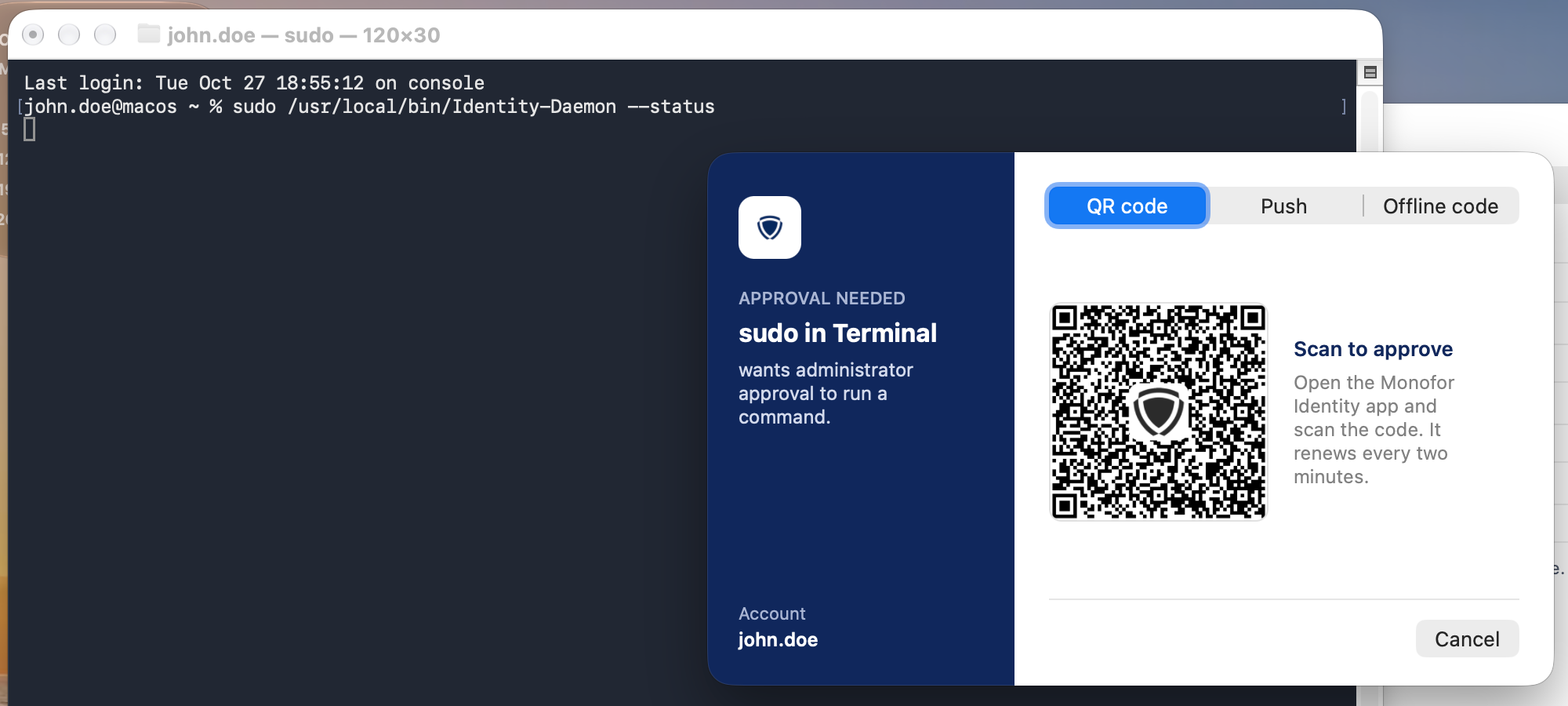
sudo in Terminal opens the approval window
sudo approval needs Full Disk Access for Identity-Daemon (or the PPPC profile). Only users who may use sudo can approve; for others macOS reports that the user is not in the sudoers file.
Remote lock
An administrator can lock the Mac from Monosign. The screen is covered until it is unlocked from Monosign or the user signs in again.